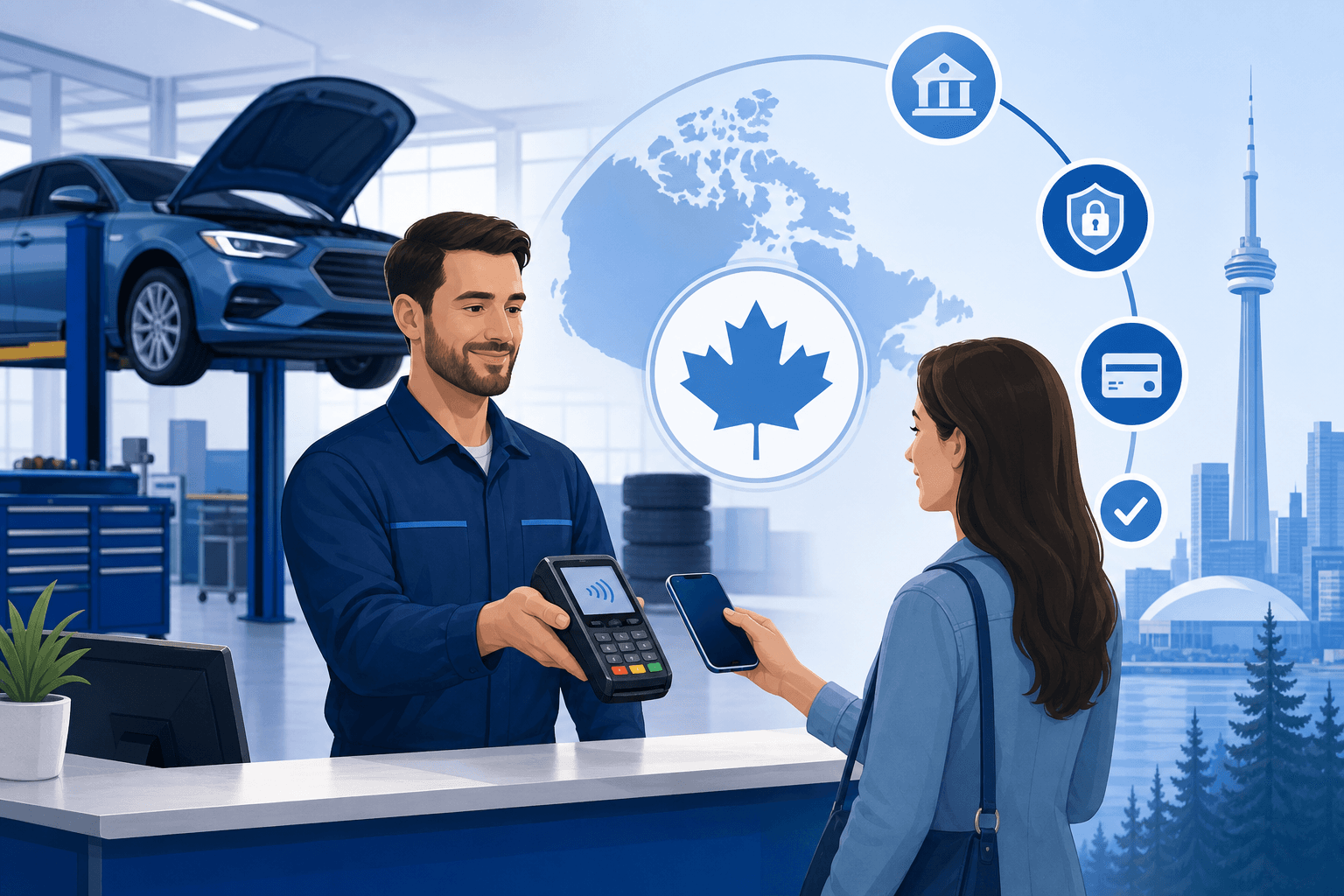
Why Payment Processing Matters More Than You Think for Auto Shops
Running an automotive repair shop means juggling parts orders, technician schedules, and customers who want their vehicle back yesterday. Payment processing often gets treated as an afterthought - a terminal sitting at the front counter that "just works." But for shops billing anywhere from $150 oil changes to $4,000 transmission jobs, how you accept payment has a real impact on your bottom line, your cash flow, and how customers feel about your business.
Unlike a coffee shop ringing through dozens of small transactions a day, auto repair shops deal with fewer, larger tickets. That changes the math on fees, chargebacks, and the kind of hardware you need. A processor built for high-volume, low-ticket retail isn't necessarily the right fit for a shop where the average repair order can run into the hundreds or thousands of dollars. Getting automotive repair shop payment processing right means matching your setup to how your shop actually operates - not settling for generic, one-size-fits-all merchant services.
In this guide, we'll break down what Canadian shop owners need to know: the fee structures that matter, the hardware and software that make sense for a service bay environment, and how to avoid the common traps that quietly drain thousands of dollars a year from independent and multi-bay shops alike.
The Real Cost of Processing Fees on High-Ticket Repairs
Because average repair orders are higher than most retail transactions, percentage-based processing fees hit harder. A 2.9% fee on a $50 purchase is $1.45. That same 2.9% on a $2,500 engine repair is $72.50 - enough to matter when you're already working on tight parts margins and labour costs.
Interchange vs. Flat-Rate Pricing
Most Canadian shops are quoted one of two pricing models:
- Flat-rate pricing: A single percentage (often 2.65%-2.9%) applied to every transaction, regardless of card type. Simple to understand, but you're typically overpaying on debit and low-risk card transactions to subsidize the rate.
- Interchange-plus pricing: You pay the actual interchange rate set by Visa/Mastercard/Interac, plus a small fixed markup. This is usually the better deal for shops with larger average tickets, since debit and standard consumer cards carry much lower interchange rates than premium rewards cards.
If your processor has never explained the difference, or your statement just shows one blended percentage, there's a good chance you're overpaying. Use our savings calculator to see what interchange-plus pricing could save your shop annually compared to your current flat rate.
Watch for Monthly and Hidden Fees
Beyond the per-transaction rate, look closely for:
- PCI compliance fees (often $10-25/month, sometimes waivable)
- Statement or "regulatory" fees
- Batch fees per settlement
- Early termination fees buried in multi-year contracts
- Equipment rental fees that add up to more than the terminal is worth over 3 years
Many shops in Canada are locked into bank-bundled merchant accounts through their business banking relationship, often without ever comparing rates. If you haven't reviewed your statement in the last 12 months, it's worth a second look. Compare processors side by side to see how your current provider stacks up.
Choosing the Right Hardware for a Service Bay Environment
Auto repair shops have unique physical constraints that a typical retail store doesn't: grease, dust, customers who want to pay from their car, and service writers who need to take payment away from the front counter.
Countertop Terminals vs. Mobile/Wireless Options
- Countertop terminals work well for shops where customers always come to the front desk to settle up. They're durable and reliable, but tether payment to one location.
- Wireless or mobile terminals let service advisors take payment curbside, in the parking lot, or even take a deposit at drop-off. This matters for shops offering mobile mechanic services or curbside pickup.
- Pay-by-link/text-to-pay options let you send an invoice link so customers can pay remotely before picking up their vehicle - useful for fleet accounts or customers picking up after hours.
POS Systems Built for Repair Shops
A basic card terminal handles payment, but a proper point-of-sale or shop management integration can also handle:
- Work order to invoice syncing (no re-typing labour and parts totals)
- Partial payments and deposits for large jobs
- Multiple technician commission tracking
- Integration with parts suppliers and inventory
If you're currently using a generic retail POS like Clover or Lightspeed, check whether it actually integrates with your shop management software before assuming it fits. Clover comparison and Lightspeed comparison are good starting points if you're evaluating a new system. Our services page also breaks down which hardware options pair best with automotive-specific workflows.
Handling Large Tickets, Deposits, and Chargebacks Safely
Take Deposits on Big Jobs
For major repairs - engine or transmission work, bodywork, or anything requiring special-order parts - collecting a deposit protects your shop from a customer who disappears once the vehicle is drivable, or who disputes a large charge after the fact. Most modern terminals and payment gateways support partial pre-authorization or deposit collection separate from the final invoice.
Reduce Chargeback Risk
High-ticket auto repairs are a common target for chargeback disputes, particularly when a customer isn't satisfied with the quality of work. To protect yourself:
- Get a signed work order approving the repair and estimated cost before starting work
- Document the vehicle's condition with photos at intake
- Keep detailed records of parts and labour on the final invoice
- Use EMV chip or tap transactions rather than manual card entry whenever possible - this shifts fraud liability away from your shop under Visa/Mastercard rules
Know Your Rights Under Canadian Card Network Rules
Canadian merchants are protected by specific dispute and representment processes through Visa and Mastercard, but the burden of proof for a chargeback typically falls on the merchant. A processor that offers responsive support when you need to fight a dispute - not just a call centre reading a script - makes a real difference when your shop's cash flow is on the line.
Regional Considerations for Canadian Auto Shops
Payment processing costs and options can vary depending on where in Canada you operate, largely due to differences in local banking relationships, competition, and regional processor presence.
- Shops in the Toronto and GTA area often have more processor options and competitive local reps - see our Toronto payment processing guide for details specific to the region.
- Vancouver and BC shops dealing with higher average repair costs (often tied to import and luxury vehicle service) should pay close attention to interchange-plus savings - check our Vancouver payment processing resource.
- Calgary and Alberta shops, especially those serving trucks and fleet vehicles, should ask about processing volume caps and next-day funding - our Calgary payment processing page covers this.
- Montreal and Quebec shops have unique considerations around French-language receipts and Desjardins' strong regional presence; see our Montreal payment processing guide and our dedicated Desjardins comparison.
- Ottawa shops serving a mix of government and private fleet accounts can benefit from invoicing and pay-by-link tools; our Ottawa payment processing page has more.
Wherever your shop is located, it's worth checking whether your current provider is charging you a "national average" rate that doesn't reflect competitive regional pricing.
Switching Processors Without Disrupting Your Shop
Owners often stick with a subpar processor because switching feels risky or disruptive. In reality, a well-managed switch takes a few days and shouldn't interrupt your ability to take payments at all.
- Pull your last 3 statements. Look at your effective rate (total fees divided by total processed volume) rather than the advertised rate.
- Get a like-for-like quote. Make sure any new quote is compared against your real transaction mix - heavy debit and Interac usage changes the math significantly for repair shops.
- Check contract terms. Look for early termination penalties on your existing agreement and negotiate around them if needed.
- Test hardware compatibility. If you're keeping your shop management software, confirm the new terminal or gateway integrates properly before your old equipment is decommissioned.
- Plan the transition date for a slower day so your team has time to get comfortable with new hardware.
If you're unsure where to start, get a free quote and we'll walk through your current statement with you at no cost. For shops that want to see the full picture before committing to anything, contact our team to talk through your specific setup, technician count, and average ticket size.
Final Thoughts
Automotive repair shop payment processing isn't just about swiping a card - it's about matching fee structures, hardware, and fraud protection to the reality of high-ticket, appointment-driven work. Canadian shop owners who take the time to review their statements, understand interchange-plus pricing, and choose hardware that fits their bay layout typically find real, measurable savings within the first year.
Whether you're running a single-bay shop in a small town or a multi-location operation across the GTA, the right processor should feel like part of your team, not a line item you never think about until something goes wrong. Take a few minutes this week to pull your last statement and compare it against what's actually available - it's one of the easiest ways to put money back into your shop. Visit our Automotive solutions page to see how we support repair shops across Canada.