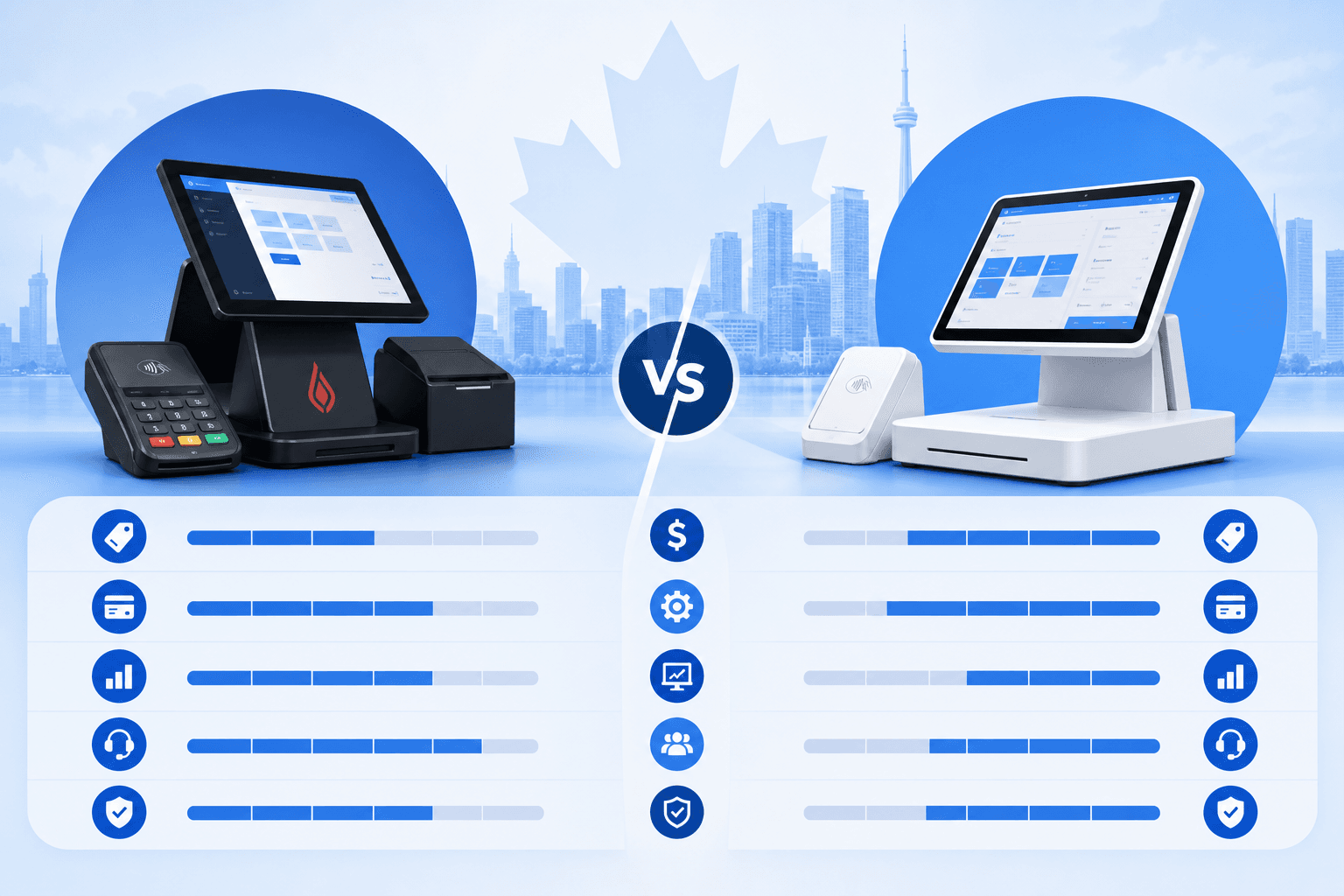
Lightspeed Payments vs PaymentsPlus: The Ultimate 2026 Guide for Canadian Businesses
Choosing the right payment setup has a direct effect on your business's profitability. For Canadian business owners heading into 2026, the decision between an all-in-one POS with built-in payments and a separate payment provider matters more than ever. With interchange changes, customers expecting tap-to-pay and digital wallets, and tight margins in retail and hospitality, it pays to know exactly what you're paying for.
Two names that come up in this decision are Lightspeed Payments, the payment service built into the Lightspeed POS platform, and PaymentsPlus, which offers interchange-plus pricing and Clover terminals and POS. This comparison looks at how the two approaches differ to help you make an informed decision for your business in 2026.
Whether you're running a busy Toronto restaurant, a Vancouver retail shop, or an online business serving customers across Canada, understanding the differences between these options will help you choose well.
Understanding the Lightspeed Payments vs PaymentsPlus Landscape
Lightspeed Payments operates as the integrated payment solution within the Lightspeed POS ecosystem. If you already use Lightspeed for inventory management, customer tracking, and sales reporting, its built-in payments keep everything in one system and one bill.
PaymentsPlus takes a different approach. We provide merchant processing on interchange-plus pricing, with the network cost and our margin as separate lines on your statement, along with Clover terminals and POS. There are no setup or application fees, no long-term contracts and no cancellation fees.
The fundamental difference lies in the model: Lightspeed offers convenience through one integrated platform at a published flat rate, while PaymentsPlus offers transparent interchange-plus pricing. This distinction affects everything from your statement to how your costs change as your volume grows.
Key Differences at a Glance
- Integration: Lightspeed Payments is built into Lightspeed POS; PaymentsPlus provides processing with Clover terminals and POS
- Pricing Model: Lightspeed publishes a flat card-present rate; PaymentsPlus offers interchange-plus pricing
- Target Market: Lightspeed focuses on retail and hospitality; PaymentsPlus works with businesses across industries
- Geographic Focus: Lightspeed operates in several countries; PaymentsPlus works with Canadian businesses
Pricing Comparison: What Canadian Businesses Actually Pay in 2026
Pricing transparency remains one of the biggest concerns for Canadian businesses evaluating payment options. The lightspeed payments vs paymentsplus pricing question is really about total cost: processing plus software, hardware and monthly fees.
Lightspeed Payments Pricing Structure
On its Canadian retail pricing page (Lightspeed retail pricing), Lightspeed publishes:
- A Lightspeed Payments card-present rate of 2.6% + 10¢
- Retail POS plans at CA$119, $199 and $329 per month billed annually, or CA$139, $239 and $399 billed monthly
- Inventory and built-in eCommerce features included in its plans
For online and other payment types, and for hardware, see Lightspeed's published pricing. Because you pay for both the POS software and payment processing, add the plan fee to your processing cost when you compare.
PaymentsPlus Pricing Advantage
PaymentsPlus offers interchange-plus pricing, which means:
- You pay the interchange cost set by the card networks, plus a fixed markup
- Statements show the network cost and our margin as separate lines
- No setup or application fees, no long-term contracts and no cancellation fees, and PCI compliance is included
- Example starting rates on our pricing page of interchange + 0.20% + $0.08 in person, + 0.30% + $0.10 online and + 0.40% + $0.12 for keyed payments (examples, not a quote; your rate depends on your business and card mix)
Whether interchange-plus costs less than a flat rate for your business depends on your volume, card mix and average sale. The way to find out is to compare your actual statement.
Want to see your potential savings? Use our savings calculator for a first estimate, then send us a statement for a review.
Feature Comparison: Beyond Basic Payment Processing
Lightspeed's Integrated Ecosystem
Lightspeed's main advantage is its business management platform:
- Inventory Management: Stock tracking, including across multiple locations
- Customer Relationship Management: Customer profiles and loyalty tools
- Reporting: Analytics on sales, inventory, and customers
- E-commerce Integration: Built-in eCommerce that syncs online and in-store sales
For businesses heavily invested in the Lightspeed ecosystem, these features provide real operational value.
PaymentsPlus's Flexible Solutions
PaymentsPlus focuses on transparent processing and the Clover platform:
- Clover Terminals and POS: From mobile and handheld terminals to full countertop stations, with hardware placement options for qualified merchants
- Industry-Specific Solutions: Processing for restaurants, retail, healthcare, and more
- PCI Compliance Included: No separate PCI fee
- Fast Funding: Next-day funding, with same-day available for qualified merchants
- Modern Payment Methods: Clover terminals accept chip and tap payments, including mobile wallets and Interac debit
- Online Payments: We set up online payments and connect them to your platform with you or your developer, using that platform's own payment options
Integration and Setup: Getting Your Business Running
Lightspeed Integration Process
Since payment processing is built into Lightspeed's platform, setup generally involves:
- Activating payments within your Lightspeed account
- Completing the merchant application and underwriting
- Configuring payment settings in Lightspeed
- Testing transactions and going live
Once you are approved, go-live is scheduled around Lightspeed's onboarding timeline.
PaymentsPlus Setup Experience
With PaymentsPlus, onboarding works like this:
- Send us a recent statement; we respond within 24 hours
- We show you the dollar difference per month between your current statement and our pricing
- You choose your Clover setup, or we connect payments to your existing platform
- You complete the application
- Go-live is scheduled with you once you're approved
Timing depends on approval and on your setup.
Customer Support: When You Need Help Most
Lightspeed Support Structure
Lightspeed's Canadian pricing page lists 24/7 support by chat and phone, along with its online help centre. Check its plan details for what each tier includes.
PaymentsPlus's Canadian Advantage
PaymentsPlus works with Canadian businesses and responds within 24 hours. Every statement shows the network cost and our margin as separate lines, so questions about your fees have clear answers.
Industry-Specific Considerations
Different industries have different payment processing needs, and the lightspeed payments vs paymentsplus decision often depends on your business type.
Restaurants and Food Service
Restaurants benefit from Lightspeed's:
- Table management and kitchen display tools
- Menu and cost management features
- Integrated online ordering options
PaymentsPlus offers restaurant-specific solutions with:
- Interchange-plus pricing, with the network cost and our margin shown separately
- Clover restaurant setups with tipping, handhelds and kitchen displays, quoted as a package for multi-station builds
- No long-term contracts and no cancellation fees
Retail Businesses
Retail stores appreciate Lightspeed's inventory management. PaymentsPlus's retail solutions provide:
- Interchange-plus pricing on card-present transactions
- Next-day funding, with same-day available for qualified merchants
- No long-term contract, which suits seasonal businesses whose needs change through the year
E-commerce and Online Businesses
For online businesses, PaymentsPlus's e-commerce solutions set up online payments on interchange-plus pricing and connect them to your existing platform, with you or your developer, using that platform's own payment options.
Making the Switch: Migration Considerations
If you're currently using Lightspeed Payments and considering a change, or the other way around, several factors affect the transition:
Data Migration and Continuity
- Customer Data: Make sure customer payment information is handled securely during the transition
- Transaction History: Keep records for accounting and tax purposes
- Recurring Billing: Plan for continuity of any subscription or recurring payments
Training and Adaptation
- Staff training on new payment terminals or processes
- A testing period to make sure everything works
- A backup plan during the transition period
Ready to explore your options? Contact our team for a free consultation on switching payment providers without disrupting your business.
Cost Analysis: Real Numbers for Canadian Businesses in 2026
We don't publish generic savings figures, because the real numbers depend on your volume, card mix, average sale and current fees. Here is how to build an honest comparison:
Small Business Example ($15,000 monthly processing)
- Lightspeed Payments: add your card-present processing at Lightspeed's published 2.6% + 10¢ (plus any other payment types at their published rates) to your monthly POS plan fee
- PaymentsPlus: add interchange for your card mix to our markup, plus any POS software you choose
- The difference: our statement review shows it in dollars per month for your actual statement
Medium Business Example ($75,000 monthly processing)
- Lightspeed Payments: the same calculation; at higher volume, the processing rate matters more than the plan fee
- PaymentsPlus: interchange plus markup on your actual card mix
- The difference: compare effective rates (total fees divided by volume) on the same statement
These examples show why processing costs scale with volume, making the choice increasingly important for growing businesses navigating tighter margins in 2026.
Security and Compliance: Protecting Your Canadian Business
Both options are built to meet card industry security requirements, but there are differences worth knowing:
Lightspeed Security Features
- PCI compliance through its integrated platform
- Card data handled by its payments service
- Security updates delivered through software releases
- See Lightspeed's documentation for details of its fraud and dispute tools
PaymentsPlus Security Advantages
- PCI compliance included, with no separate PCI fee
- Clover terminals that accept chip and tap, which are more secure than swiping
- Online payments set up through your platform's own payment options
- A statement that shows exactly what you pay for processing
Whichever you choose, ask how card data is handled, what PCI requirements fall on you, and what it costs.
Final Recommendation: Which Should You Choose?
The lightspeed payments vs paymentsplus decision ultimately depends on your business priorities:
Choose Lightspeed Payments if:
- You're already heavily invested in the Lightspeed ecosystem
- Integration convenience outweighs cost considerations
- You need its business management features beyond payments
- Your business benefits from Lightspeed's industry-specific features
Choose PaymentsPlus if:
- Transparent pricing is a priority, with the network cost and our margin shown separately
- You want Clover terminals and POS without a long-term contract
- You want a response within 24 hours and a statement review in dollars per month
- Your volume is large enough that the processing rate matters more than convenience
Many businesses already using Lightspeed will find it simplest to stay. Others, particularly those with steady volume or those choosing a new POS, should compare total cost on their own statement before deciding.
Ready to compare? Get a free quote from PaymentsPlus and we'll show you the dollar difference per month for your business.