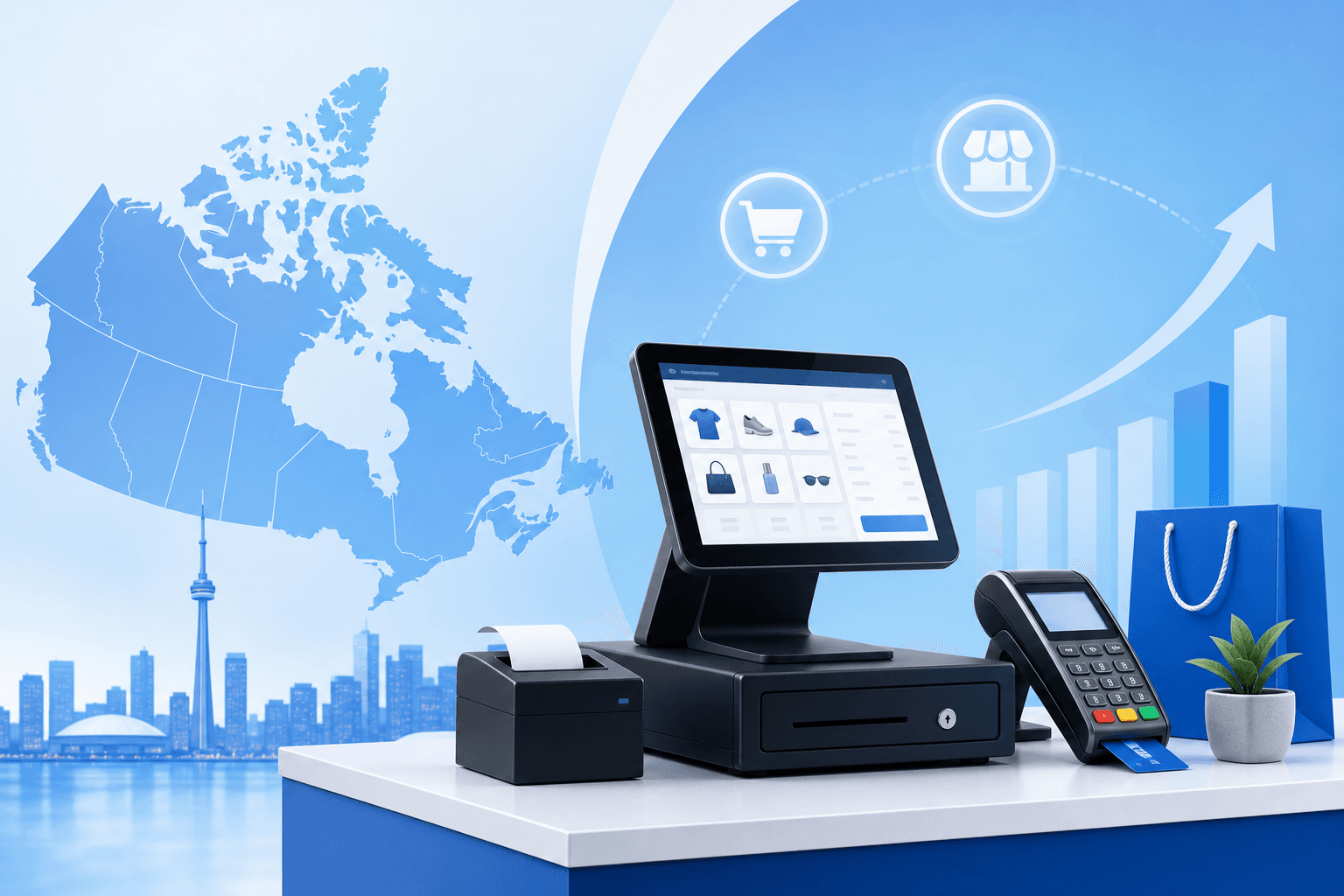
Finding the Perfect Retail POS System Canada Affordable for Your Business
Running a retail business in Canada comes with unique challenges, from fluctuating exchange rates to varying provincial tax requirements. One of the most critical decisions you'll make is choosing the right point-of-sale (POS) system that can handle your daily operations without breaking the bank. The good news? Finding a retail pos system canada affordable doesn't mean compromising on essential features.
Whether you're operating a boutique in Toronto's Queen Street West, a hardware store in Calgary, or a gift shop in Montreal's Old Port, the right POS system can streamline your operations, improve customer experience, and boost your bottom line. Today's affordable POS solutions offer sophisticated inventory management, sales analytics, and payment processing capabilities that were once only available to large enterprises.
In this comprehensive guide, we'll explore the landscape of affordable retail POS systems specifically designed for Canadian businesses, helping you make an informed decision that aligns with your budget and operational needs.
Understanding Your Retail POS System Needs
Before diving into specific solutions, it's crucial to assess what your retail business actually needs from a POS system. Many Canadian retailers make the mistake of either over-purchasing features they'll never use or under-investing in capabilities that could significantly impact their growth.
Core Features Every Retail POS Should Have
Every effective retail POS system should include:
- Inventory Management: Real-time stock tracking, low-stock alerts, and automated reordering
- Sales Reporting: Daily, weekly, and monthly sales analytics with customizable reports
- Payment Processing: Support for credit cards, debit, contactless payments, and mobile wallets
- Tax Compliance: Automatic HST, GST, PST, and QST calculations based on your location
- Employee Management: Staff scheduling, commission tracking, and performance metrics
- Customer Management: Customer profiles, purchase history, and loyalty program integration
Canadian-Specific Requirements
When evaluating any retail pos system canada affordable, ensure it handles:
- Multi-currency support for CAD pricing with USD conversion capabilities
- Bilingual interfaces (English/French) especially for Quebec businesses
- Canadian tax compliance including proper handling of provincial variations
- Interac integration for debit card processing
- Local payment processor compatibility with Canadian banks and financial institutions
For businesses looking to optimize their payment processing costs alongside their POS investment, use our savings calculator to see how much you could save by switching to a more cost-effective processor.
Top Affordable POS Solutions for Canadian Retailers
Cloud-Based POS Systems: The Modern Choice
Cloud-based POS systems have revolutionized retail operations by offering enterprise-level features at small business prices. These systems typically operate on a subscription model, making them highly accessible for Canadian retailers.
Key Advantages:
- Lower upfront costs (often under $100 CAD per month)
- Automatic software updates and security patches
- Remote access to sales data and reports
- Scalability as your business grows
- Integration with e-commerce platforms
Popular Canadian-friendly options include:
- Square POS: Starting at $0/month for basic features, with paid plans from $29 CAD/month
- Shopify POS: Integrated with Shopify e-commerce, starting at $39 CAD/month
- Lightspeed Retail: Comprehensive features starting at $89 CAD/month
For a detailed comparison of how these systems stack up against each other, check out our Lightspeed comparison to see if it's the right fit for your business.
Traditional On-Premise Systems: Still Relevant
While cloud-based systems dominate the market, traditional on-premise POS systems still serve specific retail niches, particularly businesses with limited internet connectivity or those handling sensitive customer data.
Benefits include:
- One-time purchase cost (typically $1,500-$5,000 CAD)
- No monthly subscription fees
- Complete data control and privacy
- Reliable operation without internet dependency
Hybrid Solutions: Best of Both Worlds
Hybrid POS systems combine local processing power with cloud connectivity, offering reliability and modern features. These systems work offline when needed but sync data to the cloud when connected.
Cost Analysis: What Makes a POS System Affordable
Understanding Total Cost of Ownership
When evaluating any retail pos system canada affordable, look beyond the advertised monthly fee. Calculate the total cost of ownership over 2-3 years, including:
Hardware Costs:
- Tablet or terminal: $300-$800 CAD
- Receipt printer: $150-$400 CAD
- Cash drawer: $100-$200 CAD
- Barcode scanner: $50-$150 CAD
- Card reader: $50-$200 CAD
Software Costs:
- Monthly subscription: $0-$200 CAD/month
- Setup and training fees: $0-$500 CAD
- Additional user licenses: $10-$50 CAD/month per user
Ongoing Costs:
- Payment processing fees: 1.5%-3.5% per transaction
- Technical support: $0-$100 CAD/month
- Software updates and maintenance: Often included in subscription
Finding the Sweet Spot for Your Budget
Most small Canadian retailers find their optimal solution in the $50-$150 CAD per month range, which typically includes:
- Core POS functionality
- Basic inventory management
- Standard reporting
- Email support
- Integration with 1-2 third-party applications
For businesses ready to make the switch, get a free quote to understand exactly what your POS system investment would look like with competitive processing rates.
Industry-Specific Considerations
Fashion and Apparel Retailers
Clothing stores require POS systems that handle:
- Size and color variants
- Seasonal inventory planning
- Customer sizing preferences
- Return and exchange management
Electronics and Tech Retailers
Electronics stores need:
- Serial number tracking
- Warranty management
- Supplier integration
- Technical specification databases
Food and Beverage Retail
Grocery and specialty food stores require:
- Expiry date tracking
- Weight-based pricing
- Nutritional information management
- Health regulation compliance
For specialized retail needs, explore our comprehensive retail solutions to find industry-specific POS recommendations.
Implementation and Setup: Getting Started Right
Planning Your POS Implementation
Successful POS implementation requires careful planning:
- Data Migration: Transfer existing customer and inventory data
- Staff Training: Ensure all employees understand the new system
- Testing Phase: Run parallel systems for 1-2 weeks before full transition
- Backup Plans: Maintain manual processes during the transition period
Common Implementation Challenges
Data Accuracy Issues: Ensure your product database is clean and accurate before migration. Incorrect pricing or inventory data can cause significant problems during launch.
Staff Resistance: Address employee concerns early and provide comprehensive training. Consider appointing "POS champions" among your staff to help with adoption.
Integration Problems: Test all integrations (accounting software, e-commerce platforms, payment processors) thoroughly before going live.
Training Your Team
Invest in proper staff training to maximize your POS investment:
- Schedule training during slow business periods
- Create simple reference guides for common tasks
- Practice scenarios like returns, exchanges, and system failures
- Establish clear protocols for technical issues
Maximizing ROI from Your Affordable POS Investment
Leveraging Analytics for Growth
Even affordable POS systems provide valuable business intelligence. Use your system's reporting features to:
- Identify bestselling products and optimize inventory accordingly
- Track seasonal trends to improve purchasing decisions
- Monitor employee performance and identify training opportunities
- Understand customer behavior patterns to improve marketing efforts
Integration Opportunities
Maximize your retail pos system canada affordable by integrating with:
Accounting Software: QuickBooks, Sage, or Wave for automatic financial record keeping
E-commerce Platforms: Shopify, WooCommerce, or Magento for omnichannel selling
Marketing Tools: Mailchimp, Constant Contact for customer communication
Loyalty Programs: Built-in or third-party loyalty solutions to increase repeat business
Future-Proofing Your Investment
Choose a POS system that can grow with your business:
- Scalable pricing: Systems that add features as you need them
- Multi-location support: Important if you plan to expand
- API access: Allows custom integrations as your needs evolve
- Regular updates: Ensures your system stays current with technology and regulations
Businesses across Canada are finding success with the right POS system. Whether you're in Toronto, Vancouver, Calgary, or Montreal, the right affordable solution is available for your retail business.
Making Your Final Decision
Choosing the right POS system is a significant decision that will impact your daily operations for years to come. Take time to:
- Trial multiple systems: Most providers offer free trials or demos
- Read Canadian reviews: Look for feedback from similar businesses in Canada
- Consider support quality: Ensure you can get help when needed, preferably during Canadian business hours
- Evaluate upgrade paths: Understand how the system will scale with your business
Remember that the cheapest option isn't always the most affordable in the long run. Factor in reliability, support quality, and growth potential when making your decision.
For personalized recommendations based on your specific business needs and location, contact our team of payment processing experts who understand the Canadian retail landscape.
Conclusion: Your Path to POS Success
Finding the right retail pos system canada affordable solution doesn't have to be overwhelming. By understanding your specific needs, evaluating total costs, and choosing a system that can grow with your business, you're setting the foundation for improved operations and increased profitability.
The retail landscape in Canada is competitive, but the right POS system gives you the tools to compete effectively while maintaining healthy profit margins. Whether you choose a cloud-based subscription service or a traditional on-premise solution, the key is selecting a system that aligns with your business model, budget, and growth plans.
Take the next step toward streamlining your retail operations. Evaluate your options, take advantage of free trials, and don't hesitate to seek expert advice. Your future self - and your bottom line - will thank you for making an informed POS system investment today.