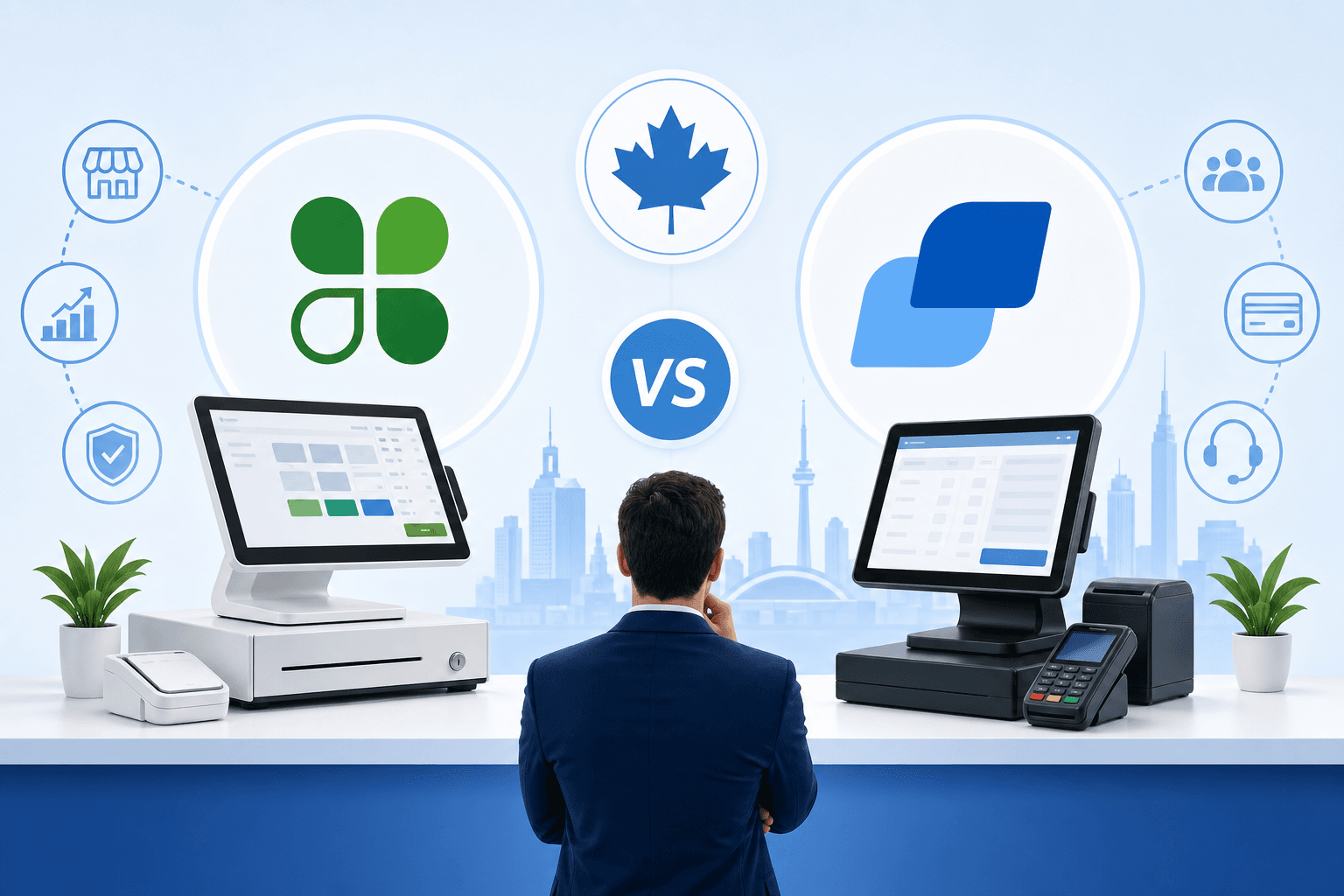
If you're a Canadian business owner shopping for a new point-of-sale or payment processing system, chances are Clover has landed on your shortlist. It's one of the best-known POS brands in North America, with well-designed hardware and a large app marketplace. But before you sign up, it's worth understanding how Clover relates to a provider like PaymentsPlus, because the two are not really alternatives: PaymentsPlus offers Clover terminals and POS. The real choice is where you get Clover from, and on what pricing and terms.
The "clover vs paymentsplus canada" question comes up a lot among retailers, restaurants, and service businesses. Clover is a POS hardware and software platform. In Canada you can get it directly from Clover, through a bank, or through an independent partner, and Clover says each of its partners sets its own plans and pricing. PaymentsPlus is one of those routes: we set you up on Clover with interchange-plus pricing, so the network cost and our margin appear as separate lines on your statement.
In this article, we'll break down how Clover works in Canada, what changes depending on who provides it, and what PaymentsPlus adds, so you can make an informed decision for your business, whether you're running a café in Toronto, a boutique in Vancouver, or a multi-location retail chain across Alberta.
What Is Clover and How Does It Work in Canada?
Clover is a POS platform from Fiserv, which provides Clover service in Canada through Fiserv Canada. It offers a range of devices, from handheld and mobile terminals to full countertop systems, along with an app marketplace that Clover describes as hundreds of apps for inventory, staff management, reporting and more.
Clover's appeal is easy to understand: the hardware is modern, the app ecosystem is extensive, and the same platform can run a single counter or a multi-station restaurant. A few things are worth knowing before you commit:
- Pricing depends on who provides your Clover. Clover's Canadian pricing page offers customized pricing rather than a published rate, and Clover partners set their own plans and pricing. Ask any provider for the rate, the pricing model and every monthly fee in writing.
- Contract terms vary by provider. Clover says termination fees vary based on your service provider, whether Clover Direct or one of its partners.
- Hardware can be bought or paid for over time. Compare the total cost over the life of the device, not just the monthly amount.
- Support options differ. Clover advertises 24/7/365 support and Canadian business consultants by phone or in person; partners add their own support on top.
Clover is a strong product. What matters most is the pricing structure and contract terms that come with it, and those depend on who you sign up with.
What Makes PaymentsPlus Different
PaymentsPlus is built around a simple idea: Canadian businesses deserve transparent pricing and straightforward terms. When you get Clover through us, here is what you get:
- Transparent, interchange-plus pricing, with the network cost and our margin as separate lines on your statement.
- No long-term contracts and no cancellation fees.
- No setup or application fees, and PCI compliance is included.
- Clover terminals and POS, with hardware placement options for qualified merchants.
- Next-day funding, with same-day funding available for qualified merchants.
If you want to see the numbers for your own business, use our savings calculator for a first estimate, or send us a statement for a review.
Comparing Pricing: Clover vs PaymentsPlus Canada
Pricing is where most of the "clover vs paymentsplus canada" conversation really lives. Here's what to look for.
Clover's Pricing Structure
Clover's Canadian pricing page describes customized pricing rather than one public rate. It also states, for Clover Direct, no additional non-qualified premiums, no PCI charge and no batch close fees. Beyond that:
- Clover offers several software plans (Starter, Standard and Advanced), and says fees vary.
- Partners and banks that provide Clover set their own processing rates and plans.
- Hardware can be purchased outright or paid for over time, depending on the provider.
- Contract length and termination fees vary by provider.
PaymentsPlus's Pricing Structure
PaymentsPlus uses interchange-plus pricing, which is widely considered the most transparent model in the industry:
- You pay the actual interchange cost set by the card networks, plus a clearly disclosed markup.
- Our pricing page shows example starting rates of interchange + 0.20% + $0.08 in person, + 0.30% + $0.10 online and + 0.40% + $0.12 for keyed payments. These are examples; your rate depends on your business and card mix.
- Clear breakdowns on every statement, so you can audit your costs.
- No setup or application fees, no long-term contract and no cancellation fees.
Whether interchange-plus through us costs less than your current Clover arrangement depends on your volume, card mix and current agreement. If you're unsure where you stand, get a free quote: we'll review your statement and show you the dollar difference per month.
Hardware, Software, and POS Features
Clover's biggest strength is its hardware line and app marketplace, which suits businesses that want an all-in-one system. Some apps carry their own monthly fees, so add those to your comparison.
With PaymentsPlus:
- You get Clover devices, from mobile and handheld terminals to full countertop stations.
- Hardware placement options are available for qualified merchants, and larger multi-station builds are quoted as a package.
- If you run Odoo, our Odoo Clover integration page explains how we set up Clover payments to work with your Odoo invoices.
- For online payments, we set up payments and connect them to your platform with you or your developer, using that platform's own payment options.
If your business already has a POS system you like and simply want better processing rates behind it, it's worth taking time to compare processors directly rather than assuming your current provider offers the best deal.
Industry-Specific Considerations
Not every business has the same payment processing needs, and this is another area where the "clover vs paymentsplus canada" comparison gets nuanced.
Restaurants and Hospitality
Restaurants need fast, reliable POS systems with tableside payment options, tipping configuration, and kitchen displays. Clover offers restaurant-focused devices and software, and some advanced features come with app or plan fees. Through PaymentsPlus, restaurant and multi-station Clover setups are quoted as a package based on what your location needs. See our restaurant solutions and hospitality solutions.
Retail
Retailers need solid inventory tracking, barcode scanning, and omnichannel capability if they also sell online. Clover's retail plans and apps cover much of this; our retail solutions explain how we set retailers up.
Healthcare, Salons, and Service Businesses
Clinics, salons, and spas often need appointment-friendly payments and a mix of in-person and phone payments. Check out our healthcare solutions and salon & spa solutions for how processing works for appointment-heavy businesses.
E-commerce and Construction
If you sell online, you'll want processing that works with your shopping cart; we connect payments to your platform using its own payment options. See our e-commerce solutions. Contractors and trades businesses that take payments on site can check our construction solutions and automotive solutions.
Nonprofits
Charities and nonprofits want as much of every donation as possible to reach the cause. On interchange-plus pricing, the interchange cost for each card passes through at cost, with our margin shown separately. See our nonprofit solutions.
Regional Considerations for Canadian Businesses
Payment processing needs can vary slightly depending on where you operate in Canada:
- Businesses in Ontario can check out our Toronto payment processing and Ottawa payment processing resources.
- BC-based businesses can explore Vancouver payment processing options.
- Alberta businesses should look at our Calgary payment processing page.
- Quebec businesses can review Montreal payment processing and our Desjardins comparison for Quebec-specific banking considerations.
It's also worth comparing other well-known options. We've put together dedicated breakdowns including a Clover comparison of getting Clover through us versus retail, a Stripe comparison for online-first businesses, a Lightspeed comparison for retail and hospitality POS shoppers, a TD comparison for bank-bundled merchant accounts, and a Chase comparison.
Making the Switch: What to Expect
If you decide to get Clover through PaymentsPlus, or to move your processing to us, here's a general roadmap:
- Review your current contract for termination fees or equipment obligations.
- Send us a recent statement. We'll show you the dollar difference per month, and we respond within 24 hours.
- Choose your Clover setup, from a single terminal to a multi-station system.
- Complete the application. Timing depends on approval.
- Go live with interchange-plus pricing and the network cost and our margin shown separately on every statement.
Whether switching saves you money depends on your current rate, fees and agreement, which is exactly what the statement review shows.
Final Thoughts
When you weigh clover vs paymentsplus canada side by side, the answer is that you don't have to choose between them. Clover is the platform; PaymentsPlus is one way to get it, with interchange-plus pricing, no long-term contracts, no cancellation fees and no setup or application fees. Clover is a strong system, and the pricing and terms around it are what you should compare.
If you're ready to see how your current setup compares, contact our team for a no-obligation review, or get a free quote today.