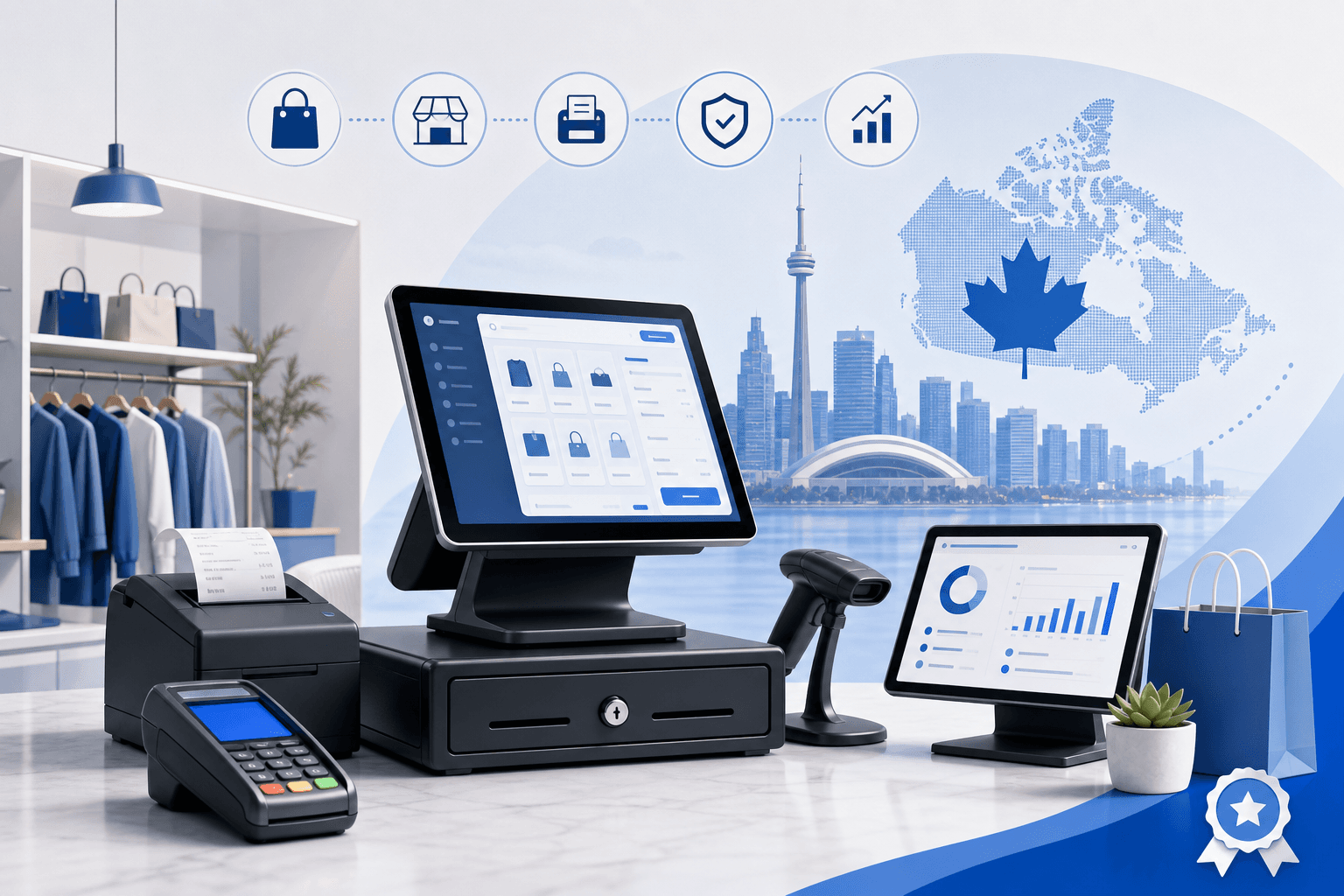
Why Your POS System Choice Matters More Than Ever
Canadian retailers are entering 2026 facing a very different landscape than even two years ago. Contactless payments now account for the vast majority of in-store transactions, customers expect seamless returns across online and physical channels, and rising interest rates have made every operational cost - including payment processing - matter more to your bottom line. Choosing the right point-of-sale system isn't just a back-office decision anymore; it directly affects your customer experience, your inventory accuracy, and how much you pay in processing fees every single month.
If you're a small or medium business owner searching for the best retail pos systems canada 2026 has to offer, you're likely juggling a few priorities: keeping fees low, getting reliable Canadian support, and finding a system that can grow with you from a single storefront to multiple locations or an online store. The good news is that the market has matured significantly, and there are excellent options built specifically with Canadian compliance, tax rules, and CAD processing in mind.
This guide breaks down what to actually look for in a modern retail POS system, the leading platforms Canadian merchants are choosing, and how to avoid the hidden costs that catch so many retailers off guard.
What Makes a POS System "Canada-Ready" in 2026
Not every POS system on the market is built with Canadian retailers in mind. Before you commit, make sure your shortlist checks these boxes.
Bilingual and Regional Compliance
If you operate in Quebec, your POS and payment terminal need to support French-language receipts and interfaces to comply with Bill 96 requirements. Systems that were designed primarily for the U.S. market often treat this as an afterthought. Quebec-based retailers should also look closely at Desjardins comparison options, since Desjardins remains a dominant player for merchant services in the province.
CAD-Native Processing and Settlement
Look for systems that settle directly in Canadian dollars without forcing you through a U.S. intermediary. Cross-border settlement delays and currency conversion fees can quietly eat into your margins, especially for retailers who do meaningful volume.
Transparent, Competitive Fee Structures
This is where most retailers get burned. Many POS providers bundle hardware, software, and payment processing together, making it difficult to see what you're actually paying for card acceptance versus the platform itself. Before signing anything, it's worth running your numbers through our savings calculator to see what you'd actually pay across different providers.
Integration With Canadian Accounting and Tax Tools
Your POS should integrate cleanly with Canadian accounting platforms and correctly calculate GST/HST and provincial sales tax by jurisdiction - critical if you sell across provincial lines or ship nationally.
Leading Retail POS Systems for Canadian Businesses
Cloud-Based All-in-One Platforms
Cloud POS systems have become the default choice for most retailers because they update automatically, sync inventory across locations in real time, and let you check sales data from your phone. The strongest players in this category for Canadian retail include systems built on Clover hardware and Lightspeed's retail-focused software.
- Clover remains popular with independent retailers for its flexible hardware lineup and app marketplace, though it's worth doing a proper Clover comparison against alternatives before committing to a contract length.
- Lightspeed, a Canadian-founded company, has strong inventory and reporting tools tailored to retail and is worth reviewing through a detailed Lightspeed comparison if you manage complex SKU counts or multiple store locations.
Payment-Processor-Bundled Systems
Some retailers choose to get their POS software directly from their bank or processor. TD, for example, offers bundled retail POS and processing packages, but bundled bank solutions often come with less pricing flexibility. It's worth reviewing a TD comparison to understand whether you're getting competitive rates or simply convenience at a premium.
Flat-Rate and App-Based Options
Smaller retailers, pop-up shops, and market vendors sometimes prefer simpler, flat-rate systems like those built around Stripe's payment infrastructure. These can be a good entry point, but flat-rate pricing usually costs more per transaction than an interchange-plus model once your volume grows. A Stripe comparison can help you figure out the crossover point where switching to interchange-plus pricing starts saving you real money.
Key Features Retailers Should Prioritize in 2026
When evaluating retail pos systems canada 2026 vendors are marketing to you, focus on capabilities that actually move the needle for your business rather than flashy add-ons you'll never use.
- Real-time inventory syncing across in-store and online channels, so you never oversell an item that's already gone.
- Integrated e-commerce support - if you sell online at all, your POS and online store should share one inventory and customer database. This matters even more if you're building out dedicated e-commerce solutions alongside your physical store.
- Customer loyalty and CRM tools built in, rather than bolted on through a third-party app that adds monthly fees.
- Offline mode so you can keep taking payments during an internet outage, with transactions syncing once you're back online.
- Employee management features like time clocks, sales-by-staff reporting, and permission controls.
- Transparent processing rates with no long-term lock-in - a genuine red flag if a provider won't show you their fee structure before you sign.
Understanding the True Cost of a POS System
The sticker price of a POS terminal is rarely the real cost of ownership. Canadian retailers should budget for:
- Hardware costs - terminals, receipt printers, barcode scanners, and cash drawers, which can range from a few hundred to several thousand dollars depending on your setup.
- Software licensing fees - often charged monthly per register or per location.
- Payment processing fees - typically the largest ongoing cost, calculated as a percentage of sales plus a per-transaction fee.
- Integration and setup fees - some providers charge for onboarding, data migration, or staff training.
- Contract termination penalties - a major issue for retailers who signed multi-year agreements with a bank or processor and later found a better rate elsewhere.
Because processing fees compound over every single sale, they're usually where the biggest savings opportunities hide. Many Canadian retailers overpay by 20-40% simply because they never renegotiated or compared providers after their initial setup. It only takes a few minutes to get a free quote and see exactly where you stand.
Choosing the Right System for Your Business Size and Location
Single-Location Independent Retailers
If you run one storefront, prioritize simplicity and low monthly fees over enterprise-level features you won't use. A cloud-based system with strong reporting and a reasonable processing rate is usually enough. Retailers in major cities should also check local rate benchmarks - for example, Toronto payment processing, Vancouver payment processing, or Calgary payment processing - since competitive rates can vary by region and local provider density.
Multi-Location and Franchise Retailers
Growing retailers need centralized reporting across locations, consistent inventory management, and role-based access for managers versus staff. If you're expanding into Quebec, make sure your provider has proven experience with Montreal payment processing and bilingual compliance before you open your doors.
Retailers with Complex Operations Needs
If your retail business also involves service components - think automotive parts retailers with service bays, or spas that sell retail products - you may need a more specialized setup. Check out dedicated resources for automotive solutions or salon & spa solutions if your operations blend retail and service revenue streams.
Retailers Running on an ERP
If your business runs on Odoo for inventory, accounting, and operations, connecting it directly to your payment terminal eliminates double data entry and reconciliation headaches. The Odoo Clover integration is specifically built for retailers who want their ERP and point-of-sale hardware working together seamlessly.
Making the Switch Without Disrupting Your Business
Retailers often delay switching POS systems because they're worried about downtime, data loss, or retraining staff. In reality, a well-planned migration can happen with minimal disruption:
- Audit your current contract for termination fees and notice periods before you commit to a new provider.
- Export your inventory and customer data in advance so nothing gets lost in the transition.
- Run parallel systems briefly during a quiet period to catch any configuration issues before fully switching over.
- Train staff on the new system using off-hours or slow shifts to reduce pressure.
- Compare processing rates side by side before signing anything new - it's always worth taking time to compare processors rather than accepting the first offer.
Conclusion: Choosing Confidently in 2026
The retail POS landscape in Canada has never offered more choice, but that also means more room for retailers to overpay or end up with a system that doesn't fit their business. Whether you're opening your first store, expanding to a second location, or simply tired of unpredictable processing fees, the right retail pos systems canada 2026 decision comes down to matching your actual operational needs with transparent, competitive pricing - not just the flashiest feature list.
Take the time to compare your options, understand the full cost picture, and choose a provider that treats Canadian regulations and CAD processing as a core feature, not an afterthought. Our retail solutions are built specifically for Canadian merchants navigating exactly this decision, and our team is happy to walk through your specific setup. When you're ready, contact our team for a no-pressure conversation about what actually makes sense for your store.