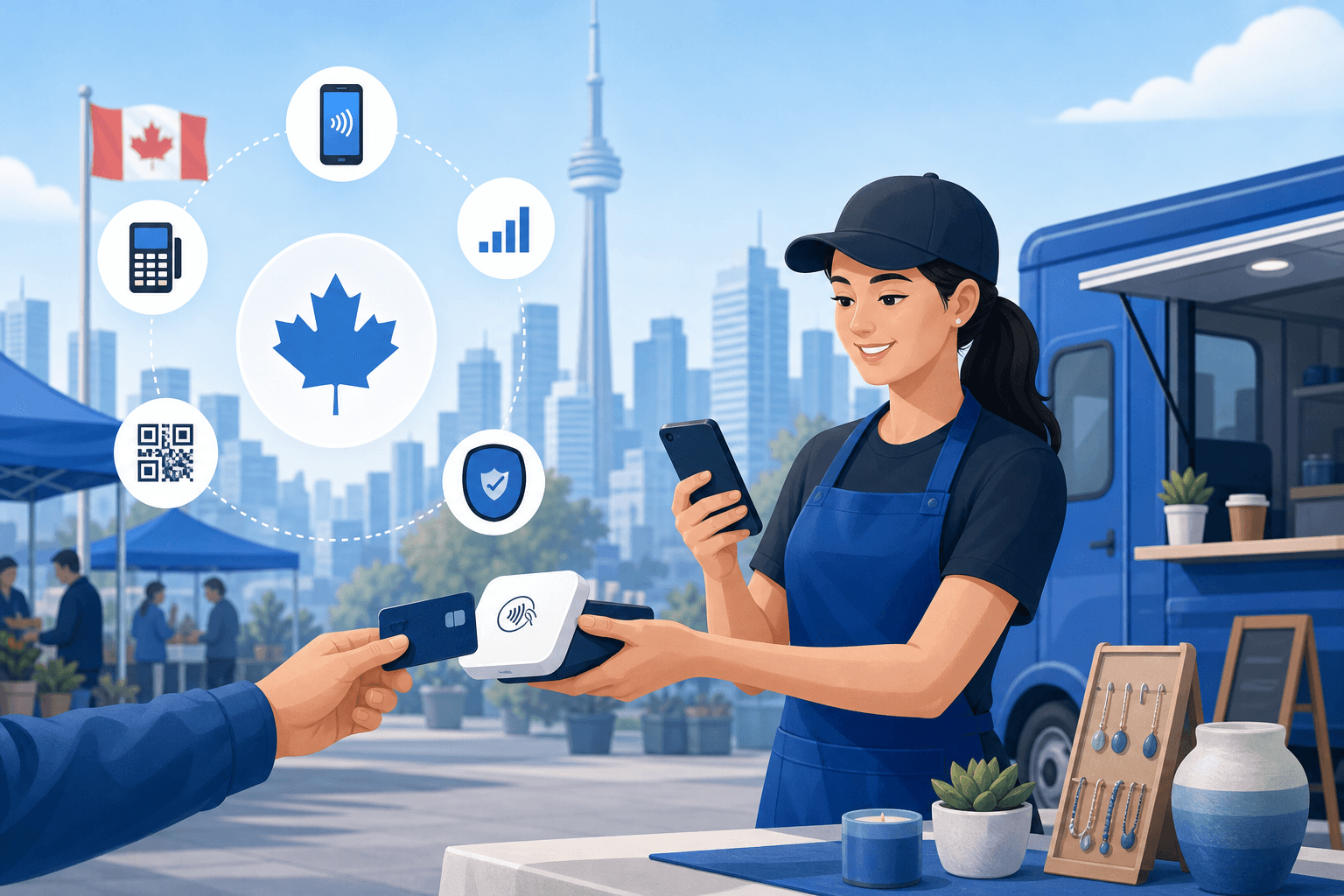
If you sell at farmers markets, craft fairs, festivals, or out of a food truck, you already know that a sale lost to "sorry, cash only" is a sale lost forever. Canadian shoppers increasingly expect to tap, swipe, or wave their phone to pay - even at a pop-up booth tucked into a weekend market. The challenge for mobile vendors isn't whether to accept card payments, it's choosing the right tool to do it without getting buried in fees or fighting spotty Wi-Fi.
Unlike a traditional retail store, mobile vendors and pop-up shop owners have unique needs: portability, offline functionality, fast setup, and pricing that makes sense for variable, seasonal, or part-time sales volume. A processor built for a fixed storefront with a countertop terminal often doesn't translate well to a booth at the Calgary Stampede or a Saturday spot at a Toronto farmers market.
In this guide, we'll break down the best payment processing apps for mobile vendors and pop-up shops in Canada, what to look for before you sign up, and how to avoid the hidden costs that quietly eat into your margins. Whether you're a solo crafter or running multiple booths across the country, this comparison will help you choose a setup that keeps you selling - not troubleshooting.
What Mobile Vendors Need From a Payment Processor
Before comparing specific apps, it helps to know what actually matters for mobile and pop-up selling. Not every feature that matters to a restaurant or retail store applies here.
Portability and Hardware Flexibility
Look for a card reader that's small, battery-powered, and pairs easily with a phone or tablet via Bluetooth. Bulky countertop terminals that need a power outlet simply aren't practical at an outdoor market or festival booth.
Reliable Offline Mode
Cell service at fairgrounds, rural markets, or convention centres is notoriously unreliable. The best apps for mobile vendors let you capture a payment offline and automatically process it once you're back in range, so you're never stuck turning away a sale.
Transparent, Fair Pricing
Many mobile vendors do lower, seasonal, or inconsistent volume compared to a full-time retail shop. That makes pricing structure critical - a flat percentage rate might work fine for occasional sellers, but higher-volume vendors could save significantly with interchange-plus pricing instead. Use our savings calculator to see which model actually costs less based on your real sales patterns.
Fast Payouts
When you're running a business on tight cash flow - buying inventory for next weekend's market, for example - waiting 3-5 business days for funds to land can be a real problem. Faster payout options are worth paying attention to.
Simple Inventory and Tax Tracking
Since Canada has province-specific GST/HST/PST rules, your app needs to calculate and track tax correctly no matter where you're set up that weekend, and ideally sync sales data so you're not manually reconciling receipts come tax season.
Comparing the Best Payment Processing Apps for Mobile Vendors and Pop-Up Shops in Canada
Here's how the major options stack up for Canadian sellers on the move.
Flat-Rate Mobile Apps (Square-Style)
Flat-rate apps are popular with new and occasional vendors because there's no monthly fee and setup takes minutes. You simply pay a fixed percentage per tap, swipe, or chip transaction.
Pros:
- No monthly fees, ideal for seasonal or occasional sellers
- Easy sign-up, often same-day approval
- Clean, simple mobile app interface
Cons:
- Flat rates (often 2.65%-2.9% per transaction) can be expensive as volume grows
- Less room to negotiate pricing
- Customer support can be slower for smaller accounts
If you're comparing flat-rate pricing models, our Stripe comparison breaks down how these percentage-based structures compare to interchange-plus alternatives in more detail.
Smart Terminal and Tablet-Based POS Apps
Systems like Clover offer dedicated handheld terminals and tablet POS apps designed for vendors who want more than basic card acceptance - think built-in inventory tracking, tipping options, and detailed sales reporting.
Pros:
- Purpose-built hardware designed for durability and battery life
- Strong reporting and inventory features
- Scales well if you grow from one booth to multiple locations
Cons:
- Hardware costs more upfront than a basic phone-based reader
- May include monthly software fees
See our full Clover comparison to understand whether the hardware investment makes sense for your sales volume.
Bank-Bundled Mobile Processing
Some vendors default to whatever mobile payment option their business bank account offers, through institutions like TD or Desjardins.
Pros:
- Convenient if you already bank there
- One combined statement for banking and payments
Cons:
- Pricing is rarely competitive for small or seasonal vendors
- Less flexibility in hardware and app choices
- Customer support often routed through general bank lines, not payments specialists
Our TD comparison and Desjardins comparison go into detail on how bank-bundled processing pricing compares to dedicated payment providers - useful reading if you're currently locked into a bank's default option and unsure if you're overpaying.
Lightspeed and Retail-Focused Apps
If your pop-up shop is really a satellite location of an established retail business, a more robust POS like Lightspeed might make sense, especially if you need the mobile setup to sync inventory with your main store.
Check our Lightspeed comparison to see if it fits your retail operation, particularly if you already run Retail solutions for a brick-and-mortar shop and want pop-up sales to feed the same inventory system.
Choosing Based on Your Vendor Type
Not every mobile seller has the same needs. Here's how to think about it by business type.
Food Trucks and Mobile Food Vendors
Speed matters most - you need a fast checkout flow during lunch rushes, tip prompts built in, and a reader that can survive grease, heat, and constant handling. Offline mode is essential since many food truck locations have unreliable signal. Vendors in this category often benefit from the same durable terminal options used by brick-and-mortar kitchens; our Restaurant solutions page covers hardware built for high-volume, fast-paced environments.
Craft Fair and Artisan Vendors
Lower, often seasonal transaction volume makes flat-rate apps attractive, but if you sell at multiple fairs year-round, it's worth running the numbers on interchange-plus pricing too, since the savings can add up quickly at higher volumes.
Farmers Market Vendors
Weather resistance, all-day battery life, and tax tracking across different market locations are key. If you also sell online or take pre-orders for pickup, pairing your mobile setup with E-commerce solutions can keep every channel's sales data in one place.
Pop-Up Retail and Seasonal Shops
If you're testing a new product line or running a holiday pop-up inside a mall or shared retail space, you'll want an app that can scale into a permanent POS setup if the pop-up succeeds. Review our Retail solutions page for options built to grow with you.
Mobile Service Providers
Mobile hairstylists, estheticians, or spa professionals doing in-home visits have different needs than product vendors - namely appointment-linked payments and deposit collection. Our Salon & spa solutions page covers processing tools built for service-based, on-the-go businesses.
Hidden Costs to Watch For
Many mobile vendors get surprised by fees that aren't obvious when they first sign up. Watch for:
- PCI compliance fees - some providers charge a monthly fee even for very low-volume sellers.
- Inactive account fees - if you only sell seasonally, some processors charge you for months with zero transactions.
- Chargeback fees - mobile and pop-up sales can see higher chargeback rates since customers aren't always familiar with your business name on their statement.
- Hardware replacement costs - outdoor and high-traffic conditions are tough on card readers; check what a replacement reader costs if yours breaks mid-season.
- Currency conversion fees - if you sell near the U.S. border or to tourists paying in USD, ask how conversion is handled and what it costs you.
Running your actual transaction history through our savings calculator is the fastest way to spot these hidden costs before they stack up over a season. And if you're unsure which fees apply to your current setup, contact our team for a plain-language breakdown.
Regional Considerations for Canadian Mobile Vendors
Where you sell matters too. Vendors who travel between cities for markets and festivals should consider regional differences in processing support and in-person service availability. If you're frequently setting up in the GTA, our Toronto payment processing page has local details. Vendors working the BC market circuit can check Vancouver payment processing, while those in Alberta - including Calgary Stampede season vendors - may find Calgary payment processing useful. Quebec-based sellers should review Montreal payment processing for province-specific tax and bilingual support considerations, and Ottawa-area vendors can check Ottawa payment processing.
How to Choose the Right App for Your Business
Run through this checklist before committing to any provider:
- Does it work reliably offline, and how does it handle transaction syncing afterward?
- What's the real cost per transaction at your typical sales volume - not just the advertised rate?
- How fast are payouts, and is there a cost to speed them up?
- Is the hardware durable enough for your selling environment (outdoors, food service, high traffic)?
- Can it track GST/HST/PST correctly across the provinces you sell in?
- Does it integrate with your existing accounting or inventory tools?
- What happens if your reader breaks or your phone dies mid-event?
If you're still weighing your options, it often helps to compare processors side by side rather than relying on advertised headline rates, which rarely reflect what you'll actually pay once monthly fees, PCI compliance charges, and chargeback costs are factored in.
Final Thoughts
There's no single "best" answer to the best payment processing apps for mobile vendors and pop-up shops in Canada - the right choice depends on your sales volume, how often you sell, and the environments you operate in. A weekend crafter at a handful of fairs a year has very different needs than a food truck running six days a week through the summer. What matters most is understanding your real transaction costs, not just the advertised rate, and choosing hardware built to survive how and where you actually sell.
Take the time to map out your selling calendar, estimate your transaction volume, and test a provider's offline mode before a big event - not during one. A little homework now saves you from awkward "sorry, our system's down" moments in front of paying customers.
Ready to find the right fit for your business? Get a free quote and our team will help you compare real costs based on your actual sales patterns, not just a sales pitch.