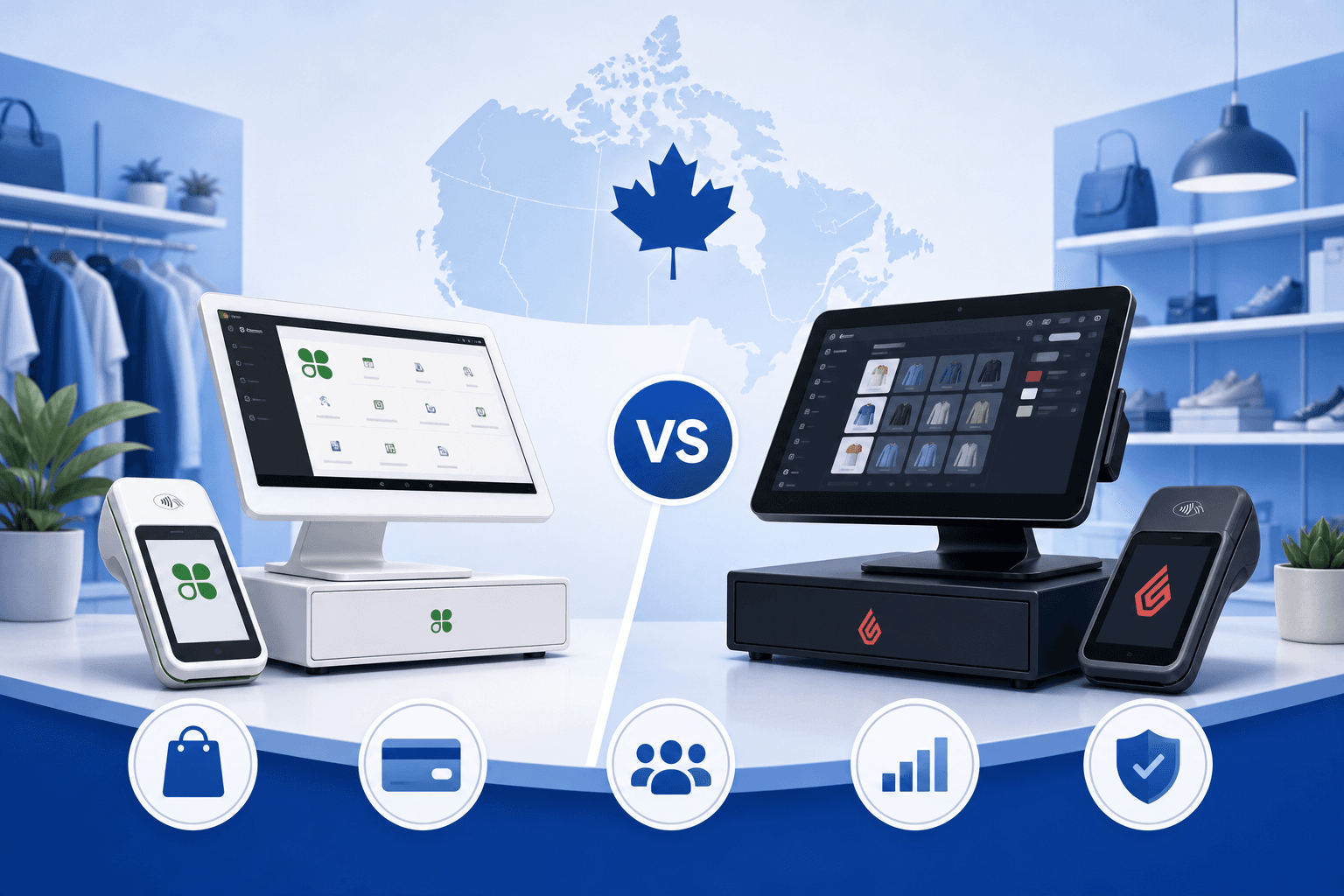
If you run a retail business in Canada, chances are you have come across Clover and Lightspeed while researching point-of-sale systems. Both are popular choices, both promise to streamline your checkout process, and both have loyal followings among retailers across the country. But choosing between them is not always straightforward, especially when the decision also affects how you accept payments and what you pay to process every transaction.
This guide breaks down Clover vs Lightspeed: best payment solution for Canadian retailers, looking at what each platform offers, where they differ, and what questions you should be asking before you sign up with either one. We will also cover the piece that often gets overlooked in POS comparisons: the actual cost of accepting payments, which can matter more to your bottom line than the software itself.
Whether you operate a single boutique in Toronto or a multi-location retail chain across Alberta and BC, understanding the full picture, hardware, software, and payment processing, will help you make a decision that fits your business for years to come.
Clover and Lightspeed at a Glance
Clover and Lightspeed are both point-of-sale systems, but they were built with somewhat different retailers in mind.
Clover is known for its all-in-one hardware and software approach. It offers a range of terminals and registers designed to work out of the box, with an app marketplace that lets retailers add functionality like loyalty programs, employee management, and inventory tracking. Many small retailers, cafes, and service businesses choose Clover for its simplicity and flexible hardware options.
Lightspeed is a Canadian-founded company (headquartered in Montreal) that has grown into a global retail and restaurant technology provider. Lightspeed Retail is built for businesses that need more robust inventory management, multi-location reporting, and e-commerce integration. It tends to appeal to retailers with larger catalogs, growing store counts, or ambitions to sell both online and in person.
Both platforms support Canadian businesses directly, but how they handle payment processing, and what that processing actually costs, is where things get more complicated.
Feature Comparison
Here is a general breakdown of what each platform tends to offer:
- Clover: Simple setup, dedicated hardware terminals, app marketplace for add-ons, strong fit for quick-service retail and small shops
- Lightspeed: Advanced inventory management, multi-store and multi-channel support, stronger reporting tools, popular with retailers that have larger or more complex product catalogs
- Both: Cloud-based management, support for Canadian tax requirements, integration options with e-commerce platforms
For an in-depth look at how Clover stacks up against other providers, you can compare processors or check out our dedicated Clover comparison and Lightspeed comparison pages.
The Payment Processing Question
This is where many Canadian retailers get tripped up. Clover and Lightspeed are POS systems first, but they are often bundled with a specific payment processor, and that bundling can limit your options or make it harder to see exactly what you are paying in processing fees.
Before committing to either platform, it is worth asking:
- Can I use my own payment processor with this POS? Some setups allow more flexibility than others, and this can significantly affect your long-term costs.
- How is pricing structured? Flat-rate pricing can look simple on paper, but it often costs more than interchange-plus pricing once your volume grows. Always check the provider's current published pricing.
- What happens if I want to switch processors later? Contract terms and cancellation fees vary by provider, so read the fine print carefully.
- How quickly will I receive my funds? Deposit timing differs across processors and can affect your cash flow, especially during busy retail seasons.
This is where PaymentsPlus fits into the conversation. Rather than locking you into a single bundled rate, we offer interchange-plus pricing, which means you pay the card network cost plus our markup, shown separately on every statement. That transparency lets you see exactly what you are paying and why, rather than guessing at a blended rate.
What Canadian Retailers Should Prioritize
When comparing Clover vs Lightspeed as the best payment solution for Canadian retailers, the right choice often comes down to your business type, your growth plans, and how much control you want over your processing costs.
Store Size and Complexity
A single-location boutique with a modest product catalog may find Clover's simplicity appealing. The hardware is compact, setup tends to be straightforward, and the app marketplace covers most small business needs.
Retailers with larger inventories, multiple locations, or plans to expand into e-commerce often lean toward Lightspeed because of its more detailed inventory and reporting tools. If you are managing stock across several storefronts in cities like Calgary, Vancouver, or Ottawa, that level of detail can save significant administrative time.
Omnichannel Selling
If you sell both in-store and online, make sure whichever platform you choose integrates cleanly with your e-commerce setup. Many Canadian retailers run their online store on Shopify, WooCommerce, or Odoo alongside their physical POS. PaymentsPlus offers an integration service where we set up the merchant account for online payments and connect it to your platform, using the payment options that platform supports, and test it with you before go-live. If your retail business runs on Odoo specifically, our Odoo Clover integration page walks through how that connection works.
For retailers focused primarily on the online side of the business, our e-commerce solutions page covers what to look for in a processor built for online transactions.
Contract Flexibility
Retail is unpredictable. Sales patterns shift, suppliers change, and sometimes a POS system that worked well at launch no longer fits your business two years later. That is why contract terms matter as much as features. PaymentsPlus does not require long-term contracts and does not charge cancellation fees, so you are not stuck with a decision that no longer serves your store.
Funding Speed
Cash flow is critical for retailers, especially those managing inventory purchases and seasonal staffing. With PaymentsPlus, next-day funding is the standard, and same-day funding is available for qualified merchants. Before choosing a POS-bundled processor, ask directly how fast your funds actually land in your account, since this detail is not always advertised clearly.
Comparing the True Cost of Processing
One of the biggest mistakes retailers make is comparing POS systems purely on software features without digging into what the bundled payment processing actually costs over a year of transactions. A system with free or cheap hardware can end up costing far more in processing fees if the rate structure is not transparent.
Here is a practical approach:
- Pull your last 3 to 6 months of processing statements from your current setup, whether that is through Clover, Lightspeed, or another provider.
- Identify the effective rate you are actually paying, not just the advertised rate.
- Compare that against interchange-plus pricing, where the markup is clearly separated from the underlying card network cost.
- Factor in funding speed, since faster access to your money has real value for a retail business managing inventory and payroll.
Rather than guessing, you can use our savings calculator to get a sense of how your current costs stack up. Or, for a more precise picture, get a free quote built directly from your own processing statement, showing the dollar difference rather than a generic estimate.
Hardware and Setup Considerations
Both Clover and Lightspeed offer their own hardware ecosystems, and switching providers does not always mean replacing every terminal you own. Depending on your setup, PaymentsPlus offers hardware placement options for qualified merchants, which can reduce the upfront cost of transitioning to a new processing arrangement.
Before making a final decision, it is worth considering:
- Whether your current hardware is compatible with a new processor
- What PCI compliance coverage is included (PaymentsPlus includes PCI compliance as part of its service)
- How your staff will be trained on any new system
- Whether your business needs mobile or countertop terminals, or both
If you are weighing Clover specifically for your retail floor, our retail solutions page outlines considerations specific to brick-and-mortar shops, from checkout speed to inventory syncing.
Regional Considerations for Canadian Retailers
Payment processing and retail operations can look a little different depending on where in Canada you operate. Provincial sales tax rules, regional banking relationships, and even customer payment preferences (debit usage tends to run higher in Canada compared to the U.S., for instance) all factor into your setup.
If you are a retailer based in a specific region, it can help to work with a processor that understands local conditions:
- Retailers in the GTA can review our Toronto payment processing page
- BC-based shops may find our Vancouver payment processing resource useful
- Alberta retailers can check out Calgary payment processing
- Quebec businesses, including those weighing Desjardins-bundled options, can see our Desjardins comparison and Montreal payment processing pages
- Ottawa-based retailers can visit our Ottawa payment processing page
Making the Final Decision
There is no universal answer to Clover vs Lightspeed: best payment solution for Canadian retailers, because the right choice depends on your store's size, growth plans, and how much weight you put on processing transparency versus software features. Clover tends to suit simpler, smaller retail operations, while Lightspeed is often a better fit for retailers with complex inventory or multi-location needs.
What should not get lost in the comparison is the payment processing layer underneath either system. A POS with great features but an opaque, expensive processing structure can quietly eat into your margins month after month. Before signing a contract with either platform, take the time to review your actual numbers.
Get Clarity Before You Commit
Choosing between Clover and Lightspeed is a significant decision for your retail business, but it does not have to be a guessing game. Pull your recent statements, understand your effective processing rate, and ask direct questions about contract terms, funding speed, and hardware flexibility before you commit.
PaymentsPlus can help you see the real numbers behind your current setup or a prospective switch. Contact our team to talk through your options, or get a free quote built from your own statement so you can see the dollar difference for yourself.