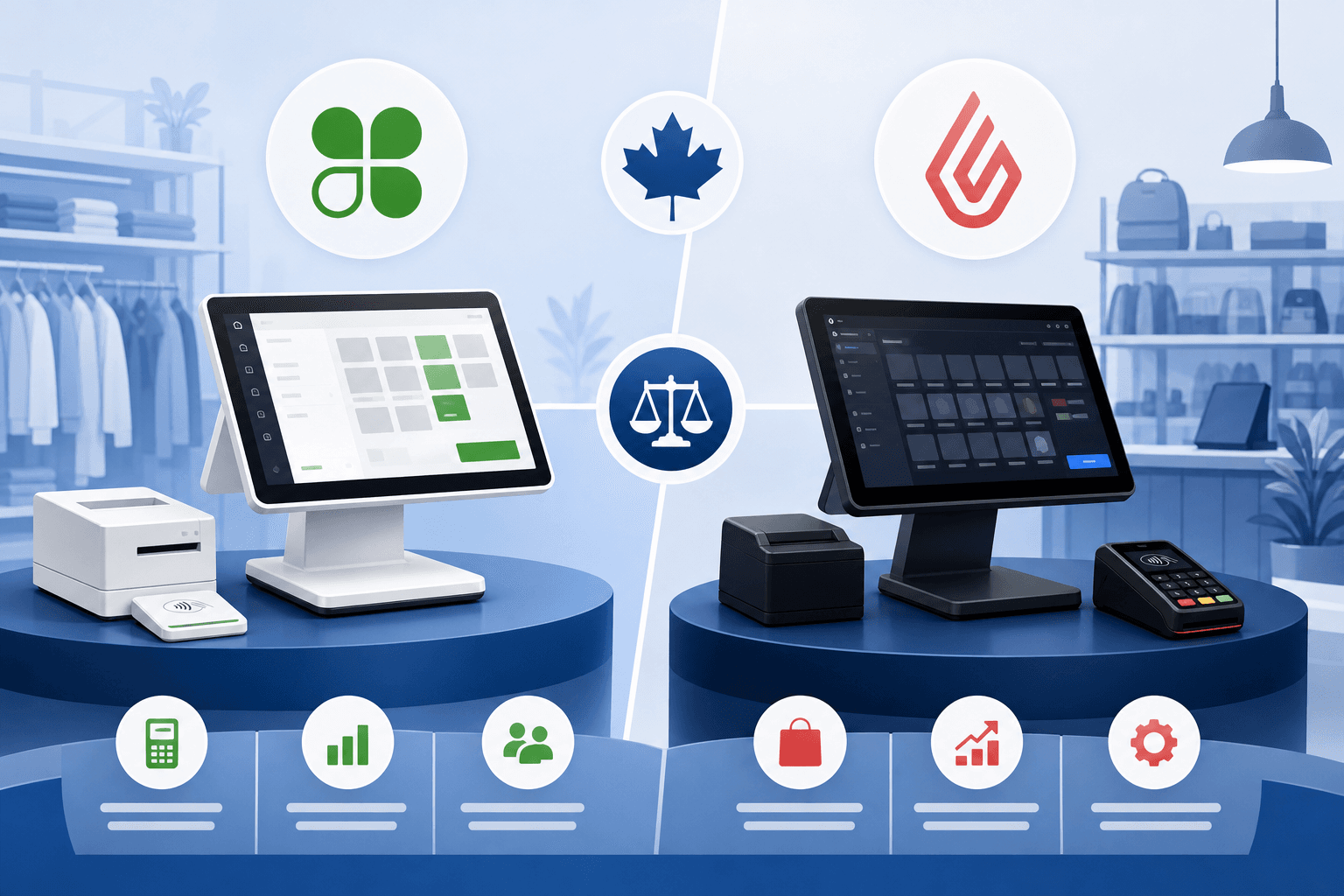
Choosing the right point-of-sale system is one of the most consequential decisions a Canadian retailer will make. It affects how fast you can ring up a line of customers on a busy Saturday, how easily you track inventory across locations, and ultimately how much you keep from every sale after processing fees. Two names come up constantly in these conversations: Clover and Lightspeed. Both are popular with retailers across Canada, but they take fairly different approaches to hardware, software, and how payment processing fits into the package.
This guide breaks down Clover vs Lightspeed from the perspective of a Canadian small or medium business owner, looking at what each platform does well, where they differ, and what questions to ask before you sign up with either one. We will also talk about the piece that often gets overlooked in POS comparisons: the actual cost and structure of your payment processing, which can matter as much as the software itself.
If you are in the research phase of a POS decision, or you already have one of these systems and are wondering whether your processing setup still makes sense, this comparison should help you ask the right questions.
Clover and Lightspeed at a Glance
Clover is a point-of-sale hardware and software ecosystem built around a family of terminals, from compact countertop devices to mobile units, with an app marketplace that lets merchants add functionality for things like loyalty programs, employee management, and online ordering. It is widely used by small retailers, cafes, and service businesses that want an all-in-one device that looks and feels like a modern terminal.
Lightspeed, a Canadian-founded company, leans more heavily into retail and restaurant management software, with deep inventory tracking, multi-location reporting, and e-commerce features built for businesses that are scaling up or managing complex catalogs. It tends to appeal to retailers who need more robust back-office tools than a basic terminal can offer.
Both systems are capable, and both are used successfully by Canadian businesses in a wide range of sectors. The right choice usually comes down to how complex your inventory and operations are, how many locations you run, and how important mobile or tablet-based checkout is to your day-to-day. For a broader look at how these platforms stack up against other processors, you can also compare processors on our site.
Hardware and In-Store Experience
Clover's Terminal-First Approach
Clover's hardware lineup is built to feel familiar to anyone who has used a countertop card terminal, with touchscreen devices that combine payment acceptance and POS software in one unit. This can be appealing for retailers who want a compact footprint at the counter and do not need extensive back-office customization.
Lightspeed's Software-First Approach
Lightspeed is generally used with iPads or other tablets as the primary hardware, with the heavier lifting happening in the cloud-based software layer. This setup tends to suit retailers who want more flexibility in how they configure screens, reports, and workflows, particularly across multiple registers or locations.
When comparing the two, think about your physical space and staff turnover. A simpler terminal may mean less training time for new employees, while a more configurable system may pay off if you need detailed reporting across departments or locations. If you are specifically weighing POS hardware, our Clover comparison and Lightspeed comparison pages go into more detail on each platform individually.
Payment Processing: The Part That's Easy to Overlook
Here is where many retailers run into surprises. Both Clover and Lightspeed are primarily known as POS systems, but payment processing is usually bundled in or recommended as part of the package. Before you commit to either platform, it is worth understanding:
- What the processing rate structure actually is, and whether it is interchange-plus or a blended/flat rate
- Whether you are locked into a specific payment processor to use the POS software
- What the contract term looks like, and whether there are fees to cancel or switch
- How quickly funds from your sales actually land in your business bank account
For specifics on either provider's current rates, contract terms, or funding timelines, check that provider's published pricing directly, since these details can change and should come from the source. What we can tell you is how PaymentsPlus approaches payment processing for Canadian retailers using either system.
How PaymentsPlus Processing Compares
PaymentsPlus uses interchange-plus pricing, meaning you pay the actual card network cost plus our markup, and both are shown separately on every statement. This differs from blended or flat-rate pricing models where the markup is baked in and harder to see. We also offer:
- Next-day funding as the standard, with same-day funding available for qualified merchants
- No long-term contracts and no cancellation fees
- PCI compliance included
- Hardware placement options for qualified merchants
If you are currently using Clover or Lightspeed hardware and want to know whether your processing setup is competitive, a statement review is the most direct way to find out. Get a free quote built from your own processing statement, which shows the dollar difference rather than a generic estimate.
Pricing Structures: What to Actually Compare
It is tempting to compare Clover vs Lightspeed purely on monthly software fees, but that misses a big piece of the picture: the processing fees on every transaction you run. Over a year, processing costs often add up to more than the POS subscription itself, especially for a high-volume retailer.
When evaluating either platform, ask these questions:
- Is the processing rate interchange-plus or blended? Blended rates can look simple but often cost more for businesses with a lot of debit or lower-cost card transactions.
- Are there monthly minimums or statement fees? These can add up even in slower months.
- What happens if you want to switch processors later? Some POS systems tie you to their in-house processor, making it harder to shop around.
- How is funding handled, and how fast does money actually land in your account? This affects your cash flow, especially around payroll or supplier payments.
If you want to see how your current processing costs stack up, you can use our savings calculator to run the numbers, or request a review of your actual statement for a more precise picture.
Which One Fits Your Business?
Retailers With Simple, Single-Location Needs
If you run a single storefront with a manageable product catalog and want a straightforward terminal experience, Clover's simplicity can be a good fit. It is common in independent retail shops, salons, and quick-service locations where speed at the counter matters more than deep inventory analytics. If this sounds like your business, our retail solutions page covers payment setups suited to shops like yours.
Retailers With Complex Inventory or Multiple Locations
If you are managing detailed SKU-level inventory, multiple locations, or a hybrid retail and e-commerce operation, Lightspeed's software depth may serve you better. Retailers scaling from one location to several often find the reporting and inventory tools worth the additional complexity.
Restaurants and Hospitality Businesses
Both Clover and Lightspeed offer restaurant-specific versions of their software, with table management, tipping, and kitchen display options. If you run a restaurant, cafe, or bar, it is worth comparing these features directly against your service style. Our restaurant solutions and hospitality solutions pages outline what Canadian food and beverage businesses should look for in a payment setup.
Businesses Selling Online as Well as In-Store
If your retail business also sells online through a platform like Shopify, WooCommerce, or Odoo, you will want a processing setup that works across both channels without creating reconciliation headaches. This is where our integration service comes in: we set up the merchant account for online payments and connect it to your platform, using the payment options that platform supports, and test it with you before go-live. If Odoo is part of your stack, see our Odoo Clover integration page for more on how that connection works. For a broader look at online payment setups, visit e-commerce solutions.
Regional Considerations for Canadian Retailers
Wherever your business operates in Canada, payment processing rules and expectations are broadly similar nationally, but local market conditions and competition can still shape what makes sense for your shop. Retailers in major centers like Toronto, Vancouver, Calgary, Montreal, and Ottawa often deal with higher transaction volumes and more competitive retail environments, making the cost difference between processors more noticeable over time. Quebec retailers in particular should also confirm bilingual receipt and terminal requirements with their POS provider, since these are provincial considerations worth clarifying before you commit to a system.
Making the Decision: A Practical Checklist
Before signing a contract with either Clover or Lightspeed, or renewing with your current provider, work through this checklist:
- Pull your last two or three processing statements and identify your actual effective rate
- Confirm whether the POS system requires you to use a specific in-house processor
- Ask directly about contract length and any cancellation fees
- Clarify what PCI compliance costs, if any, are included
- Ask how funding timelines work and whether same-day options exist for qualified merchants
- Request a breakdown of hardware costs or hardware placement options, rather than assuming equipment is free
Going through this exercise for both platforms will give you a much clearer picture than comparing marketing pages side by side. When you are ready, our team can walk through your statement with you and show where interchange-plus pricing would land compared to what you are paying now.
Final Thoughts
The Clover vs Lightspeed decision ultimately comes down to how your business operates today and where you expect it to grow. Clover tends to suit simpler, single-location retail and service businesses that want an easy terminal experience. Lightspeed tends to suit retailers with more complex inventory, multiple locations, or hybrid online and in-store sales. Either way, the POS software is only half the equation. The payment processing behind it, how it is priced, how quickly you get paid, and how flexible the contract terms are, deserves just as much scrutiny.
If you want a clearer picture of what you are actually paying today, contact our team and we will respond within 24 hours. We can also build you a free quote directly from your existing processing statement so you can see the dollar difference before making any changes to your POS or payment setup.