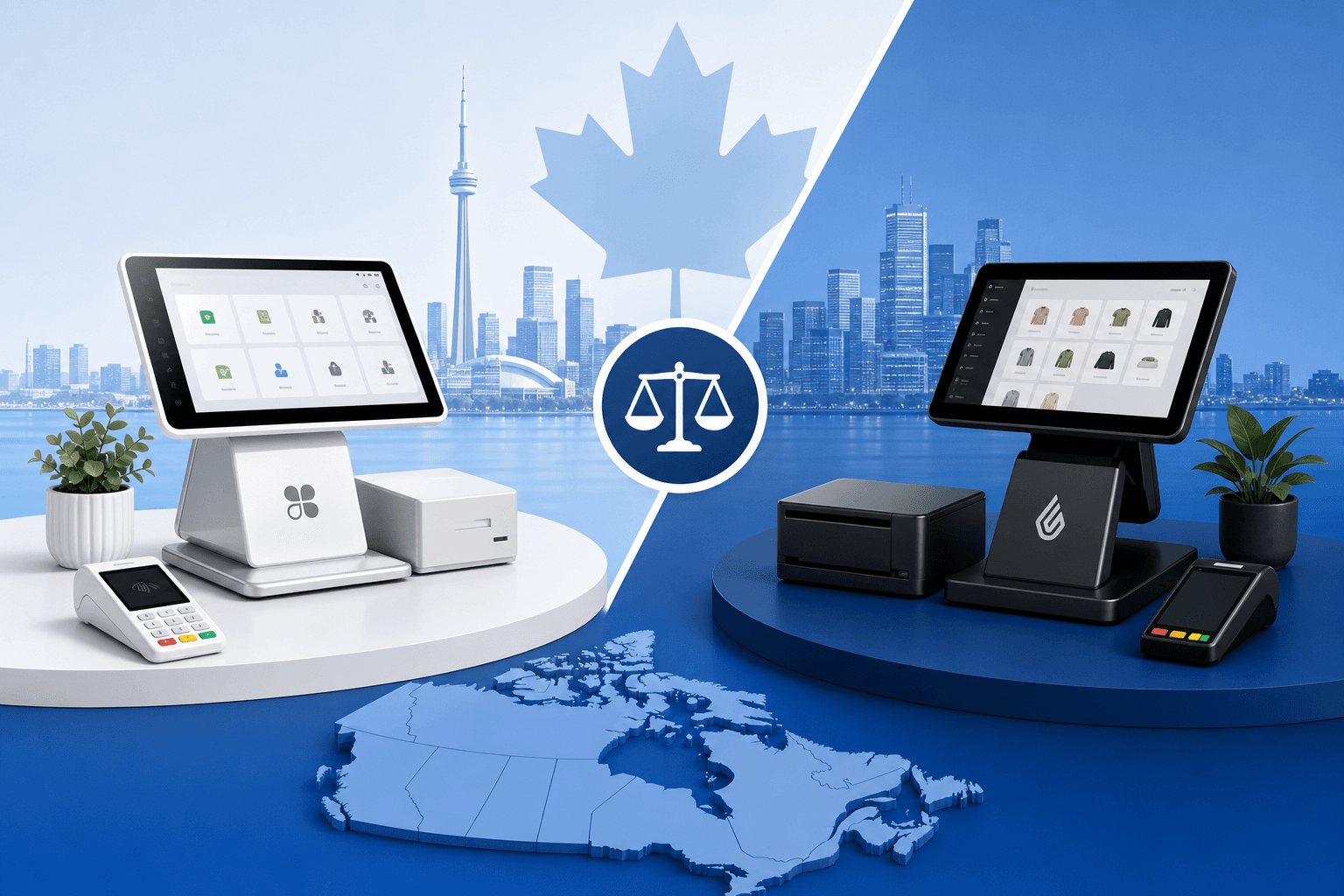
Choosing a point-of-sale system is one of the most consequential decisions a Canadian business owner will make. It affects everything from how quickly you ring up a customer during a Saturday rush to how easily you can reconcile your books at tax time. Two names dominate the conversation: Clover and Lightspeed. Both are capable, well-established platforms, but they're built for different kinds of businesses and come with very different pricing philosophies.
If you've been searching for an honest breakdown of Clover vs Lightspeed: choosing the right payment system for your Canadian business shouldn't require hours of trial and error or a costly contract mistake. In this guide, we'll walk through how each platform works, where they shine, where they fall short, and how to figure out which one actually fits your operation - whether you run a downtown Toronto café, a Calgary auto shop, or an online storefront shipping across the country.
What Clover and Lightspeed Actually Are
Before comparing features, it helps to understand the core philosophy behind each platform, because they didn't start out solving the same problem.
Clover is a POS hardware and software ecosystem originally developed in the US and now widely distributed in Canada through various payment processors and independent sales organizations. It's known for its sleek, tablet-based terminals and an app marketplace that lets you customize functionality. Clover is processor-agnostic in the sense that multiple Canadian payment companies can set you up on Clover hardware, which means pricing and contract terms can vary significantly depending on who sells it to you.
Lightspeed is a Canadian success story, founded in Montreal and built specifically with retail and restaurant operators in mind. It's a cloud-based, software-first platform with deep inventory management, multi-location support, and e-commerce integration baked in. Lightspeed tends to appeal to businesses that need more sophisticated back-office tools, not just a way to take payments.
Both systems can process debit and credit cards, support Interac, and integrate with accounting software - but the similarities start to diverge quickly once you dig into day-to-day use.
Pricing and Fee Structures
This is where many Canadian business owners get tripped up, because neither Clover nor Lightspeed publishes a single, universal price. Both work through resellers and partners, so your actual costs depend heavily on who you sign with.
Clover Pricing Considerations
Clover hardware is typically sold or leased upfront, with monthly software fees layered on top depending on which apps and features you need. Processing rates are set by whichever payment processor sells you the Clover system - and this is critical, because some processors bundle Clover with expensive tiered pricing plans, while others offer transparent interchange-plus rates. If you're evaluating Clover, always ask for the all-in cost: hardware, software subscription, and per-transaction processing fees combined.
Lightspeed Pricing Considerations
Lightspeed typically charges a monthly software subscription based on your plan tier (Basic, Core, Plus, etc.), plus separate payment processing fees if you use Lightspeed Payments. Hardware is usually purchased separately and can be a meaningful upfront investment, especially for multi-terminal restaurant or retail setups. Lightspeed's processing rates are generally disclosed more clearly than some Clover resellers, but they still vary by plan and business volume.
Because pricing structures are so different, side-by-side cost comparisons can be deceiving unless you look at your actual expected monthly volume. Use our savings calculator to see what each option would realistically cost your business in CAD based on your transaction volume and average ticket size - it's the fastest way to cut through marketing claims and see real numbers.
Features and Usability
Clover's Strengths
Clover's biggest selling point is simplicity and flexibility. The app marketplace lets you add features like loyalty programs, employee scheduling, or advanced reporting without switching platforms. Clover terminals are compact, intuitive, and well-suited to businesses that want a straightforward checkout experience without a steep learning curve. It's a strong fit for:
- Quick-service restaurants and cafés
- Convenience stores and small retail shops
- Service businesses that need simple invoicing and tap-to-pay
- Salons, spas, and other appointment-based businesses looking for an easy front-desk setup
If you run a salon or spa, Clover's simplicity pairs well with our salon & spa solutions, which are built around fast checkout and client retention tools.
Lightspeed's Strengths
Lightspeed was built for businesses with more complex inventory and multi-location needs. Its retail version offers detailed stock tracking, purchase order management, and vendor reporting, while its restaurant version includes table management, course timing, and kitchen display integration. Lightspeed tends to be the better choice for:
- Multi-location retail chains
- Full-service restaurants with complex menus
- Businesses with detailed inventory or purchase order needs
- Retailers who also sell online and need synced inventory
For retail businesses juggling inventory across channels, our retail solutions page outlines how to connect in-store and online sales without double-counting stock. Restaurant owners comparing table management features should also check out our restaurant solutions for guidance on what to prioritize beyond the POS screen itself.
Hardware and Setup
Clover's hardware lineup - Clover Station, Clover Mini, Clover Flex - is widely recognized and designed for plug-and-play setup. Most Canadian merchants can be up and running within a day, which matters if you're opening a new location or replacing a failing system under time pressure.
Lightspeed's hardware setup is typically more involved, especially for restaurants configuring kitchen displays and server stations, or retailers integrating barcode scanners and multi-register layouts. The payoff is a more tailored system once everything is configured, but expect a longer onboarding period and potentially more reliance on Lightspeed's implementation team or a knowledgeable local partner.
If your business operates in a specific Canadian market, local setup support can matter more than people expect. Businesses in the GTA often work with providers who understand Toronto payment processing nuances, while merchants in Alberta benefit from providers familiar with Calgary payment processing requirements. Similarly, Montreal businesses - fittingly, given Lightspeed's roots - can lean on local expertise through Montreal payment processing resources, and Vancouver merchants should look at Vancouver payment processing options tailored to BC's business landscape.
Integrations and Scalability
Both platforms integrate with major Canadian accounting software like QuickBooks and Sage, which simplifies bookkeeping and HST/GST remittance. Where they differ is in e-commerce and ERP integration depth.
Lightspeed has stronger native e-commerce tools, making it a natural fit for businesses selling both in-store and online. If your growth plans include scaling into online sales, our e-commerce solutions page covers what to look for in an integrated setup.
Clover's app marketplace, by contrast, allows more piecemeal customization - useful if you want to build a system app by app rather than committing to an all-in-one suite. For businesses running more complex back-office systems, it's worth noting that Clover also supports integrations like the Odoo Clover integration for merchants who need ERP-level inventory, accounting, and sales data flowing into one place.
Scalability is another consideration. Clover tends to scale well for single-location or small multi-location businesses, while Lightspeed is generally better suited to businesses planning more aggressive multi-location or franchise growth, thanks to centralized reporting across sites.
Which One Is Right for Your Canadian Business?
There's no universally "better" platform - only a better fit for your specific operation. Here's a simplified way to think about it:
- Choose Clover if you want a simple, fast-to-deploy system, you run a single location or a small handful of locations, and you value flexibility through add-on apps over built-in depth.
- Choose Lightspeed if you need robust inventory management, you're running a full-service restaurant or multi-location retail business, or you're planning to scale with integrated online sales.
- Consider your industry specifics. A construction business invoicing clients in the field has very different needs than a boutique retailer - check our construction solutions or automotive solutions pages if your business falls into those categories, since payment workflows for field services differ substantially from retail checkout.
- Factor in processing costs separately from software costs. This is where many business owners get caught off guard - a cheap POS license with expensive processing rates can cost more over a year than a pricier platform with fair interchange-plus pricing.
Ultimately, Clover vs Lightspeed: choosing the right payment system for your Canadian business comes down to matching the software's strengths to your daily operations, not just picking the more popular name. It's also worth remembering that the POS software is only half the equation - who processes your payments behind the scenes matters just as much for your bottom line.
Don't Forget: It's Not Just About the POS
A POS system is the interface; the payment processor is what actually determines your transaction fees. Many Canadian merchants don't realize they can often choose their processor independently of their POS choice, especially with Clover. Before signing a long-term contract, it's worth taking the time to compare processors and understand how rates, contract length, and PCI compliance fees differ between providers - including big bank options. If you've been quoted a bundled rate through your bank, see how it stacks up against independent processors using our TD comparison or Desjardins comparison resources, especially if you're a Quebec-based business weighing provincial banking relationships.
It's also worth checking how Clover and Lightspeed stack up against other POS-adjacent options. Our Clover comparison and Lightspeed comparison pages go deeper into specs, while businesses considering simpler flat-rate processing might want to look at our Stripe comparison for a different kind of setup entirely.
Making the Switch Without the Headache
Switching POS systems feels daunting, but it doesn't have to disrupt your business. The key steps are:
- Export your existing customer, inventory, and sales data before cancelling your current system
- Confirm your new hardware arrives and is tested before your old system is deactivated
- Train staff on the new interface during a slow business period, not your busiest week
- Review your new contract carefully for early termination fees on your old agreement and any PCI compliance costs on the new one
Business owners in Ottawa, Toronto, Calgary, Vancouver, and Montreal all face slightly different local banking landscapes, but the fundamentals of a smooth switch are the same everywhere. If you're in the capital region, our Ottawa payment processing guide covers local considerations worth knowing before you sign anything.
Final Thoughts
Both Clover and Lightspeed are legitimate, well-supported platforms used by thousands of Canadian businesses - the right choice depends on your business model, growth plans, and how much back-office sophistication you actually need versus simple, reliable checkout. Take the time to map out your transaction volume, average ticket size, and must-have features before committing to either system.
The smartest move is to get real numbers rather than relying on marketing pages. Get a free quote to see transparent CAD pricing for your business, or contact our team if you'd like a no-pressure walkthrough of which platform - and which processor - actually makes sense for your operation. Our services page also outlines how we help Canadian merchants set up POS and payment systems that fit their business, not the other way around.