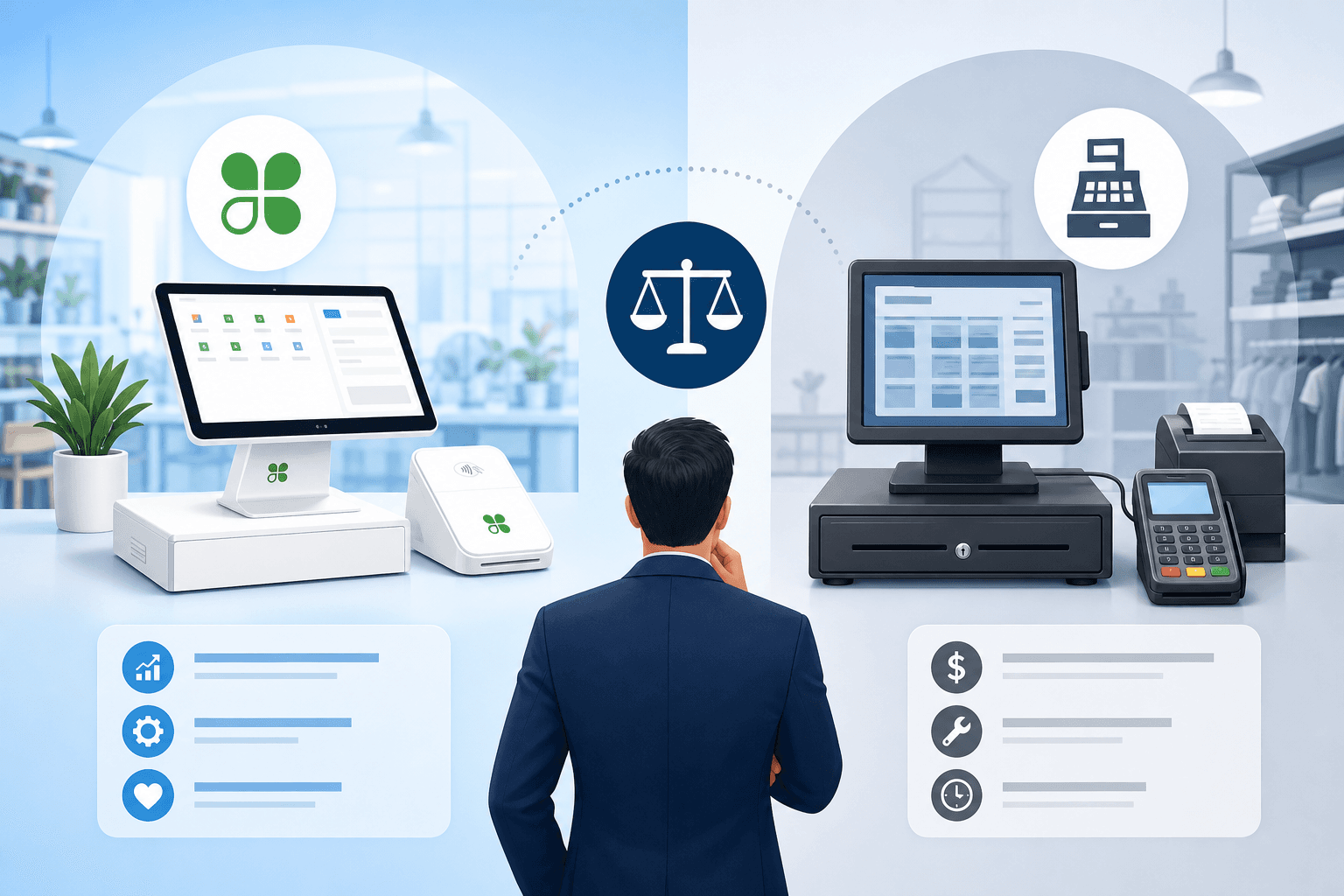
If you're running a small or medium-sized business in Canada, chances are you've spent more time than you'd like thinking about your point-of-sale system. Whether you're ringing through sales at a Calgary coffee shop or managing checkout lines at a Toronto retail store, the system you choose has a direct impact on your daily operations, your bottom line, and your customers' experience. It's no surprise that "clover vs traditional pos system" has become one of the most common questions business owners search for when it's time to upgrade.
Traditional POS systems - the clunky terminals with proprietary software many of us grew up using - have been the backbone of Canadian retail and hospitality for decades. But newer, cloud-based options like Clover have changed the game, offering sleeker hardware, more flexibility, and integrated features that traditional systems simply weren't built for. The question isn't just "which is better?" It's "which is better for your business, your budget, and your customers?"
In this article, we'll break down the real differences between Clover and traditional POS systems, look at costs in Canadian dollars, and help you figure out which direction makes sense for your business in 2024 and beyond.
What Is a Traditional POS System?
A traditional POS system typically refers to older, often locally-installed software running on dedicated hardware. Many Canadian businesses have used these systems for years, often bundled with their bank or a legacy processor.
Key characteristics of traditional POS systems include:
- On-premise software that requires manual updates and IT support
- Limited integrations with modern tools like e-commerce platforms or accounting software
- Long-term contracts, often 3-5 years, with early termination penalties
- Bundled processing, frequently tied to a specific bank or processor with limited flexibility
- Basic reporting without real-time, cloud-based analytics
Many traditional systems were originally designed for a single purpose - processing transactions - without much thought given to inventory management, customer relationship tools, or multi-location reporting. If you've ever dealt with a bank-bundled terminal that locked you into a specific processor, you know the frustration of limited options. This is common with providers like TD, where the POS and processing are tightly bundled. If this sounds familiar, it's worth taking a look at our TD comparison to understand how bundled bank processing stacks up.
What Is Clover POS?
Clover is a cloud-based POS platform that has become increasingly popular among Canadian small and medium businesses over the last several years. Unlike traditional systems, Clover runs on modern hardware (sleek terminals, mobile devices, and mini stations) and connects to the cloud for real-time data access from anywhere.
Clover offers:
- Cloud-based reporting accessible from your phone, tablet, or computer
- An app marketplace for adding functionality like loyalty programs, employee scheduling, and inventory tracking
- Flexible hardware options, from full countertop stations to compact mobile readers
- Faster setup compared to legacy systems
- Integration options with accounting and business management software
For many business owners, the appeal of Clover isn't just the hardware - it's the ecosystem. Being able to check sales data from home, manage multiple locations from one dashboard, or add a new feature with a quick app download is a significant shift from the rigid nature of traditional POS setups. If you want a deeper dive into Clover specifically, check out our full Clover comparison.
Clover vs Traditional POS System: Key Differences
When comparing Clover vs traditional POS system options directly, a few major differences stand out for Canadian business owners.
Cost Structure
Traditional POS systems often come with high upfront hardware costs and long-term processing contracts, sometimes with hidden fees buried in the fine print. Many Canadian businesses have been surprised by monthly minimums, PCI compliance fees, or batch fees they didn't fully understand when signing up.
Clover, on the other hand, typically offers more transparent pricing structures, with options for monthly software fees (in CAD) plus transaction processing rates. However, not all Clover resellers price things the same way, so it pays to compare providers carefully. This is where working with an independent processor matters - some resellers mark up Clover hardware and software significantly. Use our savings calculator to see how your current setup compares to a more transparent pricing model.
Hardware and Setup
Traditional systems often require a technician for installation and setup, which can mean delays and added costs. Clover systems are largely plug-and-play, with many businesses able to set up their terminal and start processing within a day.
Flexibility and Scalability
This is where the gap really widens. A traditional POS system tied to a specific bank or processor can make switching providers a nightmare - you may need to replace hardware entirely. Clover's ecosystem, while still tied to specific processors, tends to offer more portability and app-based customization as your business grows.
Integrations
Modern businesses need their POS to talk to other systems: accounting software, e-commerce platforms, inventory management, and more. Traditional systems often fall short here, while Clover supports a growing marketplace of third-party apps. For businesses running an ERP like Odoo, integration matters even more - our Odoo Clover integration can help you connect your POS data directly to your back-office systems.
Industry-Specific Considerations
The right choice in the clover vs traditional pos system debate often depends heavily on your specific industry.
Restaurants and Hospitality
Restaurants need fast, reliable systems that handle table management, split bills, and tips seamlessly. Traditional systems built for full-service restaurants can be powerful but expensive and rigid. Clover offers dedicated restaurant configurations that are often more affordable for independent operators. Take a look at our restaurant solutions or hospitality solutions to see what fits best.
Retail
Retailers benefit enormously from Clover's inventory tracking and multi-location reporting, especially compared to older systems that require manual stock counts. Our retail solutions page breaks down what to look for.
Healthcare, Salons & Spas, and Service Businesses
Appointment-based businesses like clinics, salons, and spas often need integrated booking and payment tools. Traditional systems rarely offer this out of the box, while Clover's app marketplace includes several scheduling integrations. Check out our healthcare solutions and salon & spa solutions for tailored recommendations.
Construction and Automotive
Mobile and field-based businesses, like construction solutions and automotive solutions clients, often need mobile card readers and invoicing tools that traditional countertop systems just weren't designed for.
Regional Considerations for Canadian Businesses
Payment processing regulations, interchange rates, and provincial tax requirements vary across Canada, so your POS choice should reflect your local business environment.
- Businesses in Toronto and the GTA often deal with higher transaction volumes and need systems that scale - see our Toronto payment processing guide.
- Vancouver and BC businesses should consider providers familiar with local retail trends - our Vancouver payment processing resource can help.
- Calgary and Alberta businesses, especially in oil and gas-adjacent service industries, often need flexible mobile payment options - see Calgary payment processing.
- Montreal and Quebec businesses must consider bilingual receipt requirements and Quebec-specific regulations. Our Montreal payment processing page and Desjardins comparison are useful starting points.
- Ottawa businesses, with a mix of retail, government contractors, and hospitality, can find tailored advice in our Ottawa payment processing guide.
No matter where you're located, all Canadian businesses need PCI-compliant systems and should be aware of interchange rates set by Visa and Mastercard, which apply nationally but can be marked up differently depending on your processor.
Making the Switch: What to Consider
If you're currently using a traditional POS system and considering a switch to Clover (or evaluating your options more broadly), here are some practical steps:
- Audit your current contract. Look for early termination fees, equipment lease terms, and any bundled processing agreements that might complicate a switch.
- Calculate your true processing costs. Many businesses don't realize how much they're actually paying once you factor in monthly fees, batch fees, and statement fees.
- Consider your growth plans. If you're planning to add locations, launch e-commerce, or expand your service offerings, factor that into your decision now rather than later. Our e-commerce solutions page is a good resource if online sales are part of your roadmap.
- Compare providers, not just platforms. Two businesses using the same Clover hardware can have wildly different processing costs depending on who sold them the system. Always compare processors before signing anything.
- Get a clear quote in writing. Don't rely on verbal promises - get your rates, fees, and contract terms documented.
If you're a nonprofit organization, note that many providers offer discounted processing rates - our nonprofit solutions page has more details on what's available.
For a broader look at how different processors and platforms stack up beyond Clover, our Stripe comparison, Lightspeed comparison, and Chase comparison pages can help round out your research.
Conclusion
The clover vs traditional pos system decision ultimately comes down to your business's size, industry, and growth plans. Traditional systems may still work for businesses that value stability over flexibility and aren't looking to change anytime soon. But for most Canadian small and medium businesses, the flexibility, transparency, and modern features of a Clover-based system offer clear advantages - especially when paired with the right processor and pricing structure.
The most important step is understanding your actual costs and needs before committing to either option. Every business is different, and the "best" POS system is the one that fits your specific operations, budget, and customers.
Ready to see how much you could save or gain by making a switch? Get a free quote tailored to your business, or contact our team to talk through your options with a real person who understands the Canadian payments landscape.